In ICARUS, your base is more than just a shelter. It protects you from storms, wildlife, and environmental hazards. A poorly built structure will collapse or be destroyed quickly. A well-built one will carry you through the entire mission. This ICARUS building guide shows you how to build efficiently, choose the right materials, and avoid common mistakes early on.
Table of Contents
Which Building Materials Should You Use?
Your building options depend on your technology tier. Early materials are easy to craft, but they have significant weaknesses. Many beginners rely on wood for too long, which often results in destroyed bases after the first storms.
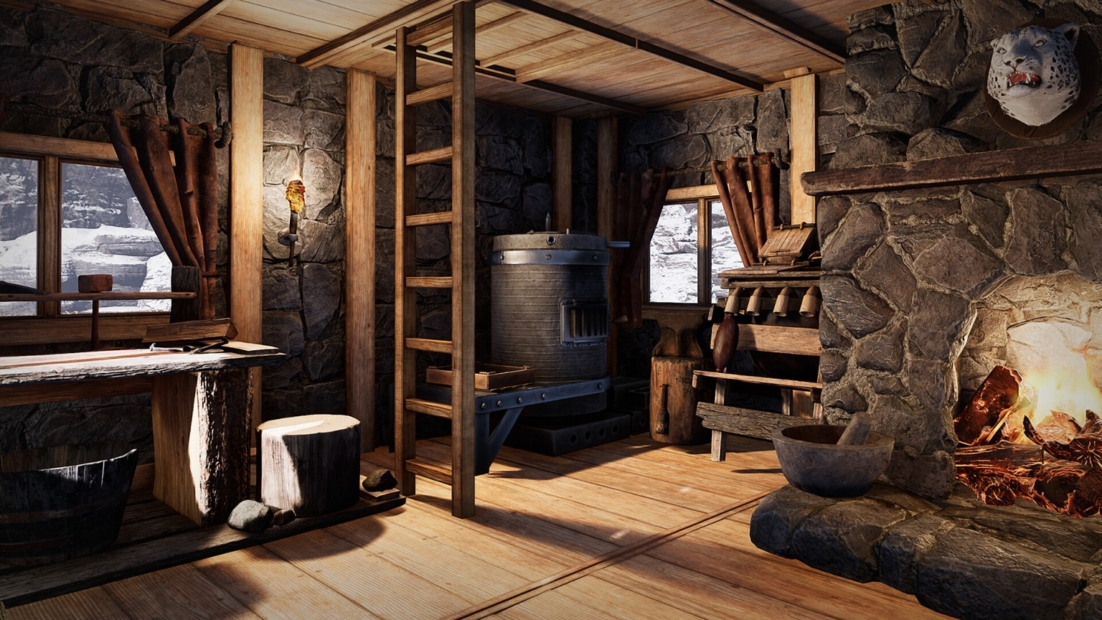
Instead, you should prioritize stone as your first significant upgrade. It marks the point where your base becomes dependable.
The material tiers are structured like this:
- Tier 1
- Thatch and wood
- Easy to obtain, but highly vulnerable to storms and fire
- Tier 2
- Stone and interior wood
- Stone is the most important early upgrade
- Tier 3
- Concrete, glass, and advanced materials
- Very durable, but resource-intensive
Build on a Stable Foundation
A solid base always begins with a flat and stable foundation. Stability is a key mechanic in ICARUS and directly influences whether your structure stays intact or collapses.
Each building piece shows a color indicator:
- Blue = fully supported
- Green = stable
- Yellow/Red = unstable and at risk
If parts of your building are unstable, they can collapse under stress. This often happens during storms or when expanding too aggressively.
To improve stability:
- Use foundations instead of placing directly on terrain
- Add pillars for vertical support
- Avoid large unsupported ceilings
How to Build Walls, Doors, and Windows
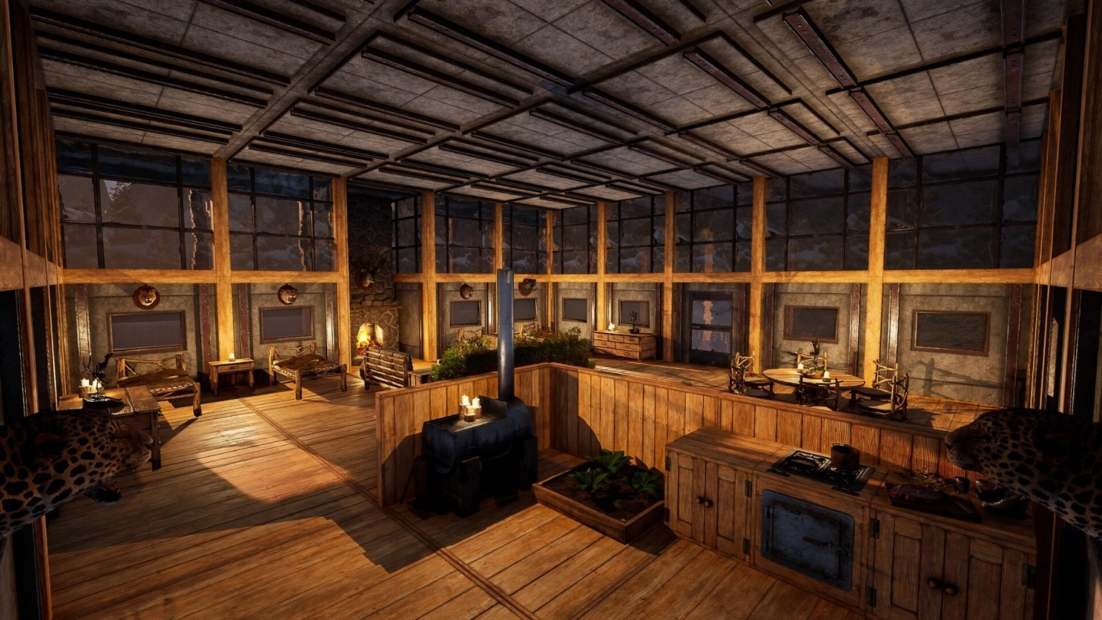
The building system offers great flexibility, but only when you use it properly. Many components have multiple options you can swap before placing.
Use the controls efficiently:
- Press R to cycle through building variants
- Rotate pieces to match your layout
- Watch the direction arrow to place inside and outside correctly
You can make variations without additional blueprints:
- Solid walls
- Window walls
- Door frames
This allows you to personalize your base while keeping your blueprint investment low.
Don’t Destroy Your Buildings
Mistakes during building are normal. Correcting them properly saves you many resources. Never destroy structures with tools like an axe, as that will permanently waste materials.
Instead, use these options:
- Press Y to dismantle structures safely
- Use the repair hammer to replace or fix pieces instantly
The repair hammer becomes essential as you progress:
- Repairs storm damage quickly
- Replaces parts without full rebuilding
- Prevents structural collapse
- Saves both time and materials
This tool is essential for effectively managing larger bases.
Build Efficiently from the Start
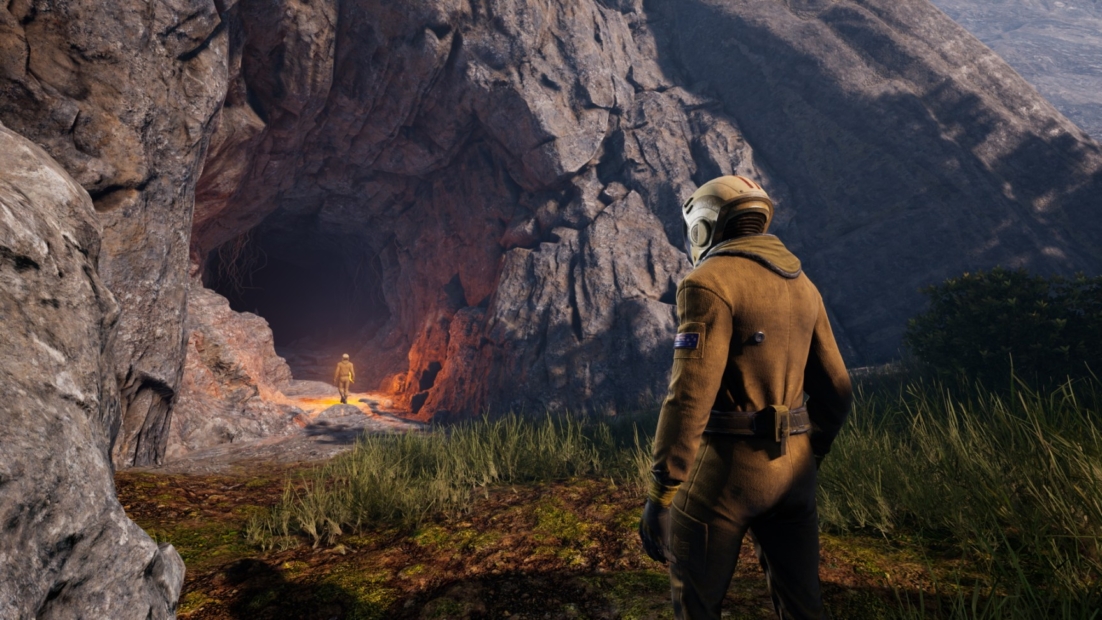
Your early decisions shape how smoothly your progress will go. Many players either overinvest in weak materials or depend too much on caves. Caves can be helpful initially, but they’re not the best choice. They protect you from storms, but can cause pneumonia and reduce stamina and overall health. Use them only as a short-term fix.
A better early-game approach:
- Build a small temporary shelter
- Gather resources quickly
- Transition to a stone base as soon as possible
When upgrading your base:
- Replace structures step by step
- Keep your crafting setup intact
- Avoid rebuilding everything at once
For floors, remember:
- Remove all placed objects first
- Then dismantle and replace
Pay Attention to Statics and Support
As your base expands, structural support becomes more crucial. Larger buildings need careful planning, or they could collapse. The stability system isn’t just about appearance; it shows how effectively your structure distributes weight.
Follow these core principles:
- Build with vertical support lines
- Use pillars for multi-level builds
- Avoid wide, unsupported ceilings
A well-supported structure:
- Survives storms more easily
- Allows larger expansions
- Requires fewer repairs
Build for Storms, Not for Looks
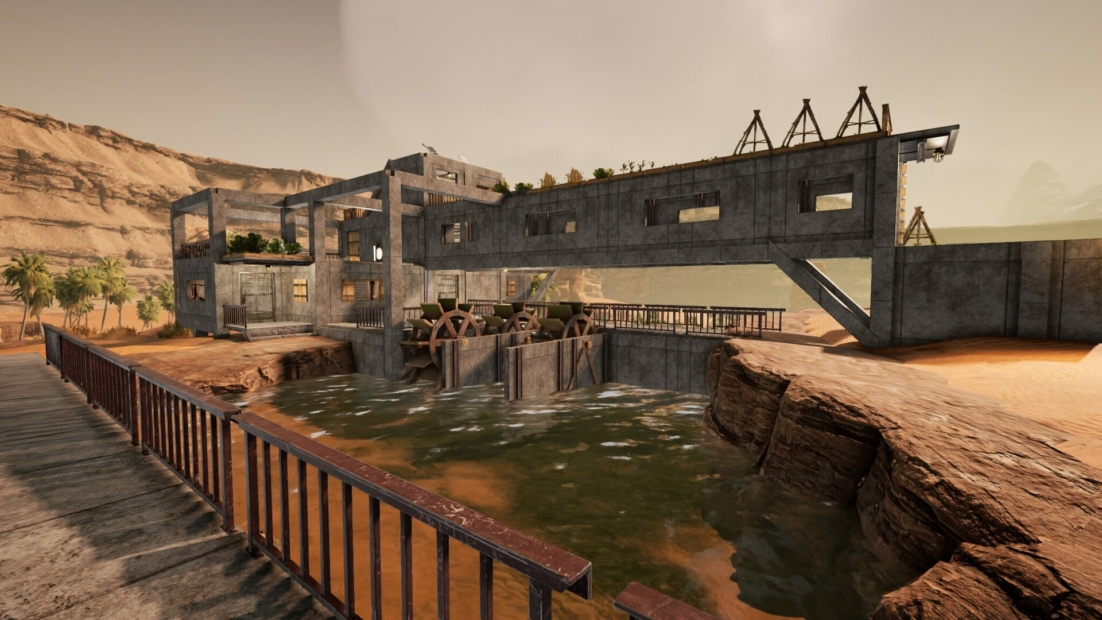
Storms are your biggest enemy in ICARUS. A base that looks good but lacks protection won’t last long. Focus on function first, and aesthetics later.
Key rules for storm resistance:
- Always build fully enclosed structures
- Avoid gaps in walls and roofs
- Use stone instead of wood whenever possible
Storm damage typically affects:
- Exposed building parts
- Corners and edges
- Roof sections
Compact and connected designs outperform open ones.
Always Build a Roof Early
A structure without a roof isn’t a base. It exposes everything inside to damage.
Without proper roofing:
- Crafting stations take damage
- Storage gets destroyed
- Storms affect the interior directly
Always prioritize roofing:
- Build walls first
- Add a roof immediately after
Sloped roofs are especially effective because they:
- Handle storms better
- Improve overall durability
Plan Your Base Layout Early
A clean layout saves you time and effort later. Expanding a messy base is frustrating and inefficient. Start small, but plan ahead.
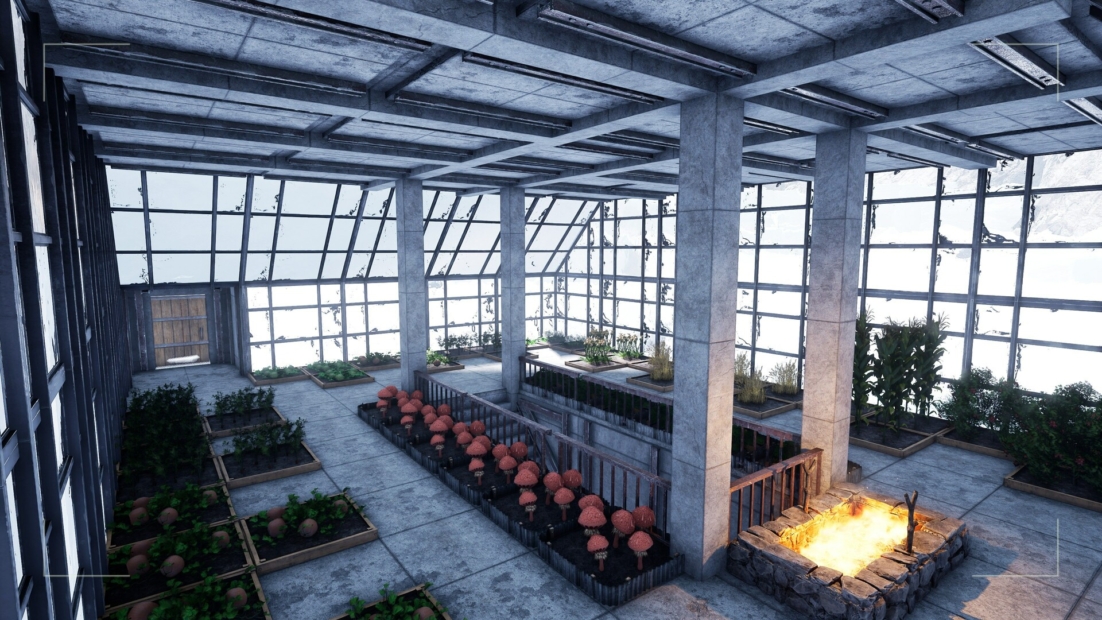
A good early structure:
- 3×3 or 4×4 foundation
- Expand outward gradually
Reserve space for:
- Crafting stations
- Storage systems
- Future upgrades
A structured layout helps you grow your base without having to rebuild everything.
Your Base Becomes a Production Hub
As you advance, your base transforms into a main hub for crafting and production. Space and organization become more critical.
You’ll need room for:
- Furnaces and crafting stations
- Fabricators and advanced tools
- Storage and resource management
Plan ahead:
- Keep interior space flexible
- Expand in sections
- Avoid overcrowding early
A well-designed base enhances both efficiency and comfort during extended missions.
Build Faster with PLITCH!
Building in ICARUS takes time, especially when gathering resources and crafting materials. If you want to focus more on building and less on grinding, PLITCH’s ICARUS cheats allow you to customize the single-player experience to your needs.
For faster construction, these features help the most:
- Instant Crafting and Easy Craft
- Free Item Use and No Durability Loss
- Infinite Carry Weight
To remove survival pressure while building:
- Unlimited Health, Stamina, Food, Water, and Oxygen
- Perfect Body Temperature
You can also speed up progression:
- Add XP and Unlimited Upgrade Points
PLITCH lets you decide how ICARUS feels. Whether you prefer a relaxed building experience or a more challenging survival mode, you can tailor the game to match your preferences.
Check out this blog to learn more about PLITCH and our ICARUS Trainer Showcase on YouTube to see our cheats in action.
Happy Gaming!
More ICARUS guides:



 English
  Deutsch