PEAK’s challenging climbs can be thrilling, but difficult terrain, limited stamina, and punishing status effects can make every expedition frustrating. With PLITCH’s PEAK mods and cheats, you can customize your climb with options for movement, stamina, visibility, and survival. Whether you want to explore freely or create your own challenge, you decide how to conquer the mountain.
Table of Contents
See the Mountain from a New Perspective
PEAK’s fog is designed to keep climbers moving, but it can also make an already difficult climb even more stressful. Once the fog closes in, it obscures your surroundings and can quickly turn a wrong turn or a necessary backtrack into a run-ending disaster.
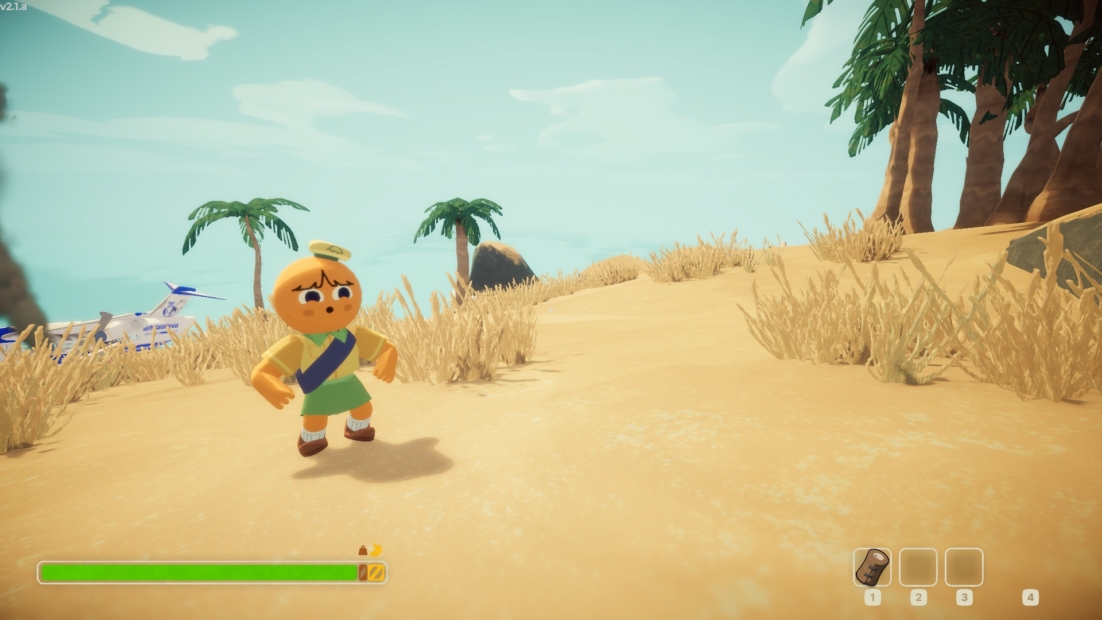
With Toggle Free Cam On, you can detach your view from your character for a much better look at the mountain around you. Scout the route ahead, check what’s waiting below, or look around for possible paths before committing to a difficult climb. Toggle Free Cam Off returns the camera to its normal position whenever you’re ready to continue.
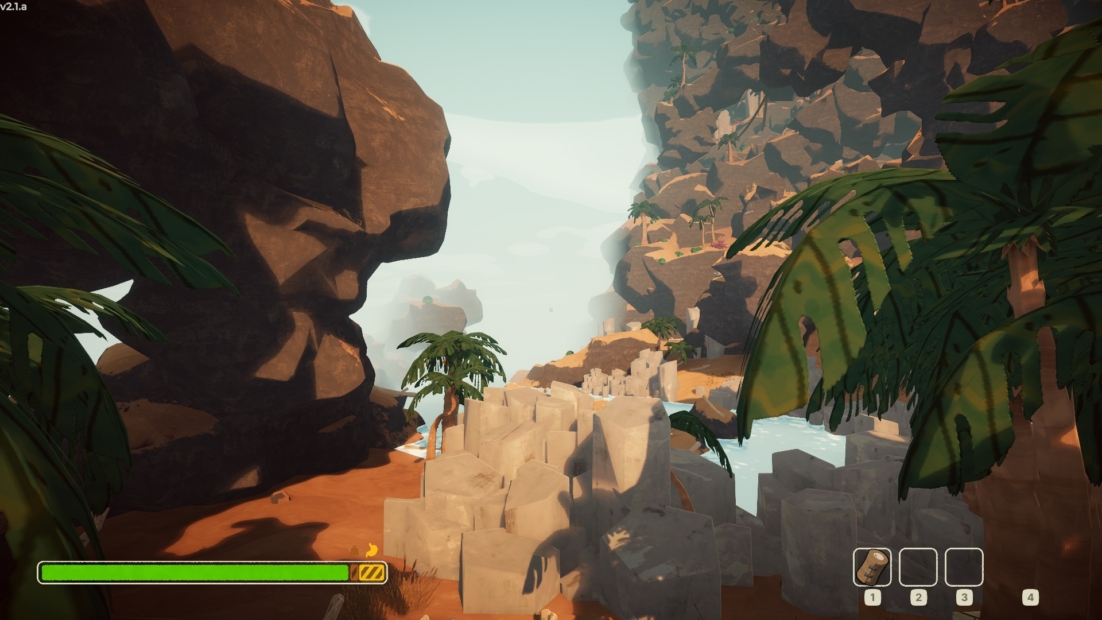
PLITCH’s PEAK mods also let you adjust how much fog gets in your way. Reduce Visual Fog improves visibility when you want a clearer view of the environment, while Increase Visual Fog lets you bring back some of that atmospheric challenge. Reset Impending Fog Size gives you another way to restore the fog’s normal behavior.
Take Control of Every Status Effect
PEAK throws a lot at climbers beyond sheer drops and difficult routes. Injuries, hunger, cold, poison, curses, and exhaustion can make an already dangerous expedition even harder.
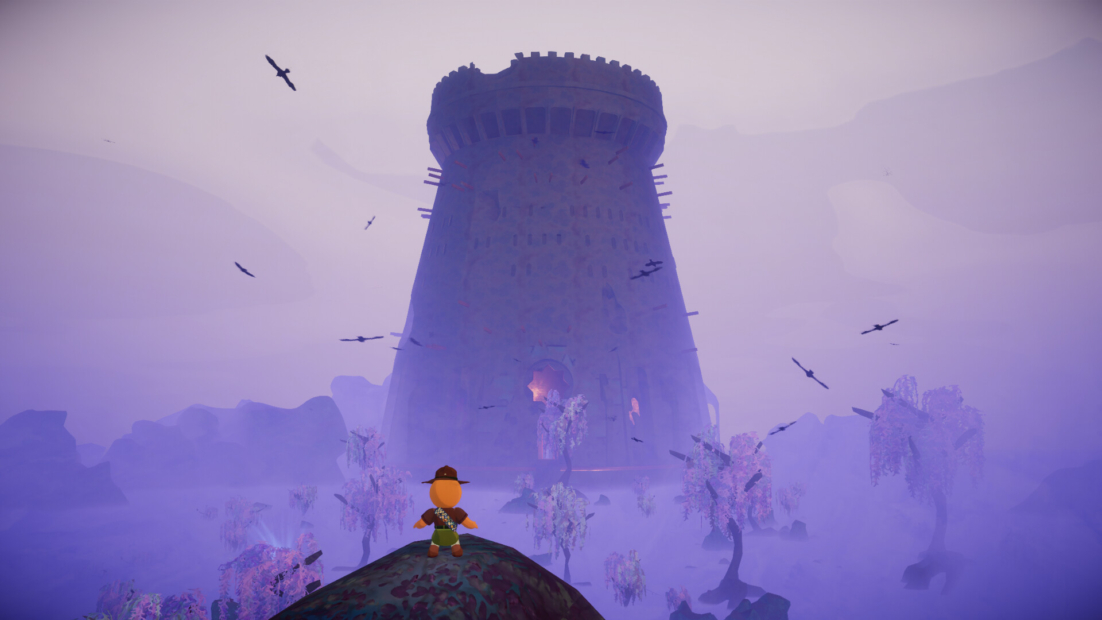
With Reset Injury, Reset Hunger, Reset Cold, Reset Poison, Reset Curse, Reset Drowsy, Reset Weight, Reset Heat, and Reset Cactus, you can instantly clear individual status effects whenever they become a problem. Instead of waiting for an effect to wear off or searching for the right way to deal with it, you can get back to climbing and focus on reaching the summit.
The PEAK cheats can also be used in reverse. Injured, Hungry, Colder, Poisoned, Cursed, Drowsy, Weighted, Heated, and Cactus let you deliberately apply various conditions to yourself. That makes them useful for creating personal challenges or simply experimenting with PEAK’s survival mechanics.
Keep Climbing Without Running Out of Steam
Stamina is one of the most important resources in PEAK. Every jump, climb, and difficult section of a route can deplete it, and running out at the wrong moment can send you tumbling back down the mountain.
Refill Stamina gives you an instant boost whenever your energy runs low, so you can keep moving without waiting for it to recover naturally. For a more permanent solution, Unlimited Stamina removes the restriction entirely, letting you climb, jump, and traverse difficult sections without constantly watching your stamina bar.
Then there’s No Afflictions (Godmode) if you want to take the pressure off completely. It protects you from negative effects that can make an expedition harder, allowing you to focus on the route itself rather than worrying about every status effect or mistake.
Customize Your Climbing and Movement
PEAK’s movement system can make every jump and climb feel like a careful balancing act. A slightly too short jump or a poorly timed move can send you falling, and difficult sections can become frustrating when your climbing speed or stamina isn’t quite enough.
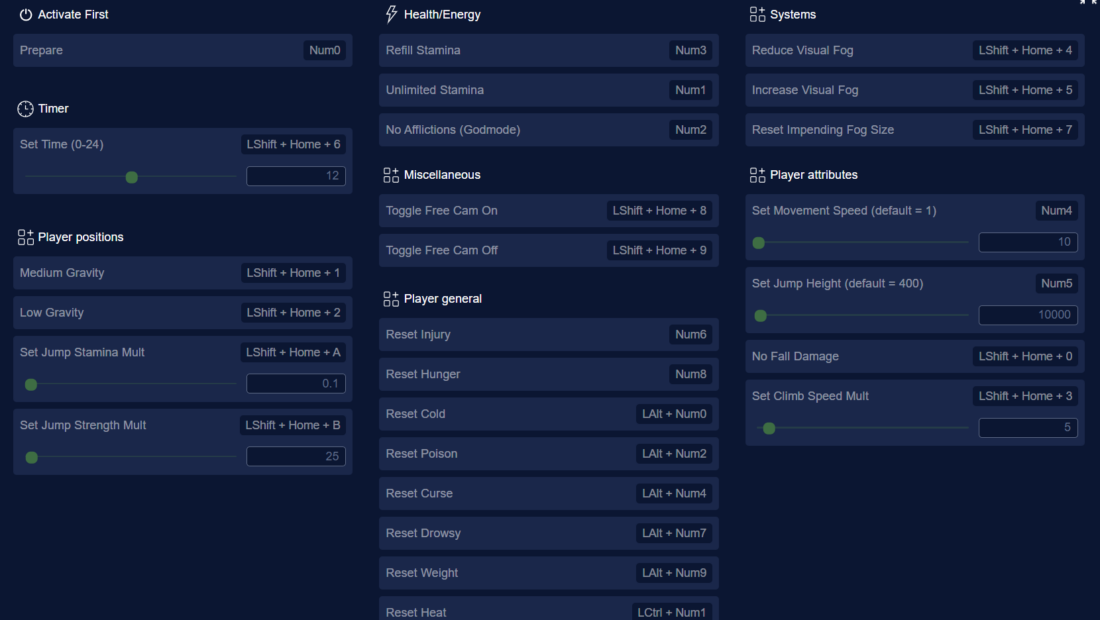
With the PEAK mods Set Movement Speed, Set Jump Height, and Set Climb Speed Mult, you can adjust how quickly you move through the environment and how easily you can reach higher platforms. Set Jump Stamina Mult and Set Jump Strength Mult give you even more control over your jumps, letting you decide how much stamina they require and how powerful they are.
For players who want to make exploration more forgiving, No Fall Damage removes the consequences of taking a tumble, while Medium Gravity and Low Gravity alter how your character moves through the air.
All PEAK Mods and Cheats from PLITCH
Whether you want to make climbing more forgiving, experiment with movement, remove status effects, or get a clearer view of the mountain, PLITCH offers many ways to customize your PEAK experience. Here’s the full list of currently available PEAK mods and cheats.
Health/Energy
- Refill Stamina
- Unlimited Stamina
- No Afflictions (Godmode)
Player Attributes
- Set Movement Speed (default = 1)
- Set Jump Height (default = 400)
- No Fall Damage
- Set Climb Speed Mult
Player General
- Reset Injury
- Reset Hunger
- Reset Cold
- Reset Poison
- Reset Curse
- Reset Drowsy
- Reset Weight
- Reset Heat
- Reset Cactus
- Injured
- Hungry
- Colder
- Poisoned
- Cursed
- Drowsy
- Weighted
- Heated
- Cactus
Systems
- Reduce Visual Fog
- Increase Visual Fog
- Reset Impending Fog Size
Timer
- Set Time (0-24)
Player Positions
- Medium Gravity
- Low Gravity
- Set Jump Stamina Mult
- Set Jump Strength Mult
Miscellaneous
- Toggle Free Cam On
- Toggle Free Cam Off
FAQ: PEAK Mods & Cheats with PLITCH
PLITCH is a PC game trainer that lets you customize your single-player experience with a variety of cheats and mods. For PEAK, you can use PLITCH to adjust movement, stamina, visibility, status effects, gravity, and more. Whether you want to make a difficult climb more forgiving or experiment with the game’s mechanics, you can tailor the experience to your preferences.
Yes. PLITCH is developed in Germany, is GDPR-compliant, and is Sectigo-certified. It’s designed exclusively for single-player games, so it doesn’t provide cheats for multiplayer or competitive gameplay. PLITCH also modifies temporary values in your PC’s RAM rather than altering the game’s core files.
Yes. PLITCH has a genuine freemium model, so you can access a selection of features without a subscription. More than 700 games are completely free to use, while tools such as the Cheat Slider, Favorites list, Windows Overlay, and mobile app are also available at no cost. Premium membership unlocks the full cheat library and additional features.
No. PLITCH is designed exclusively for single-player games and doesn’t support cheating in multiplayer. The PEAK trainer is intended to customize your single-player experience rather than affect other players or multiplayer sessions.
No. PLITCH doesn’t modify your PEAK save files or permanently alter the game installation. Its cheats temporarily adjust values in your PC’s RAM while the game is running. You can also switch individual mods on or off at any time, so you can customize each climb without affecting your existing progress.
Yes. PEAK’s fog can make navigation and route finding more difficult, especially when exploring unfamiliar areas. With Reduce Visual Fog, you can improve visibility and get a clearer view of the mountain. Increase Visual Fog lets you add more of the visual challenge back, while Reset Impending Fog Size restores the fog’s normal behavior.
Yes. PLITCH gives you control over several movement and survival mechanics that can make climbing more forgiving. Unlimited Stamina lets you climb without constantly managing your energy, while Set Jump Height, Set Climb Speed Mult, Set Jump Strength Mult, and No Fall Damage can reduce the consequences of difficult movement sections. You can choose which features to use and tailor the challenge to each expedition.
Read more about PLITCH:
- 25 Special PLITCH Cheats and Mods to Transform Your Favorite Games
- PLITCH vs WeMod/Wand: Which PC Cheat Tool Is Better?
- Enjoy Your Games Without Limits With PLITCH!
- The Ultimate Guide to PC Game Trainers
- PLITCH, Accessibility, and the Power of Cheats
- Brainwave Studies Show That Cheats Make Games More Fun
 English
  Deutsch