In Outbound, you travel through a peaceful, open world in your customizable van, gather resources, and build a sustainable life on the road. In our Outbound tips and tricks, we show you how to turn your van into a reliable home on wheels. You’ll learn to manage hunger and fuel, collect the right resources, unlock new tools, and make exploration worth your time from the start.
Table of Contents
What to Do First
The first hour of Outbound isn’t about building the prettiest van. It’s about making sure your tiny rolling home can actually survive what you add to it. Every workstation, light, fridge, or upgrade needs power, and if you expand too quickly, your setup can fall apart before it even gets going.
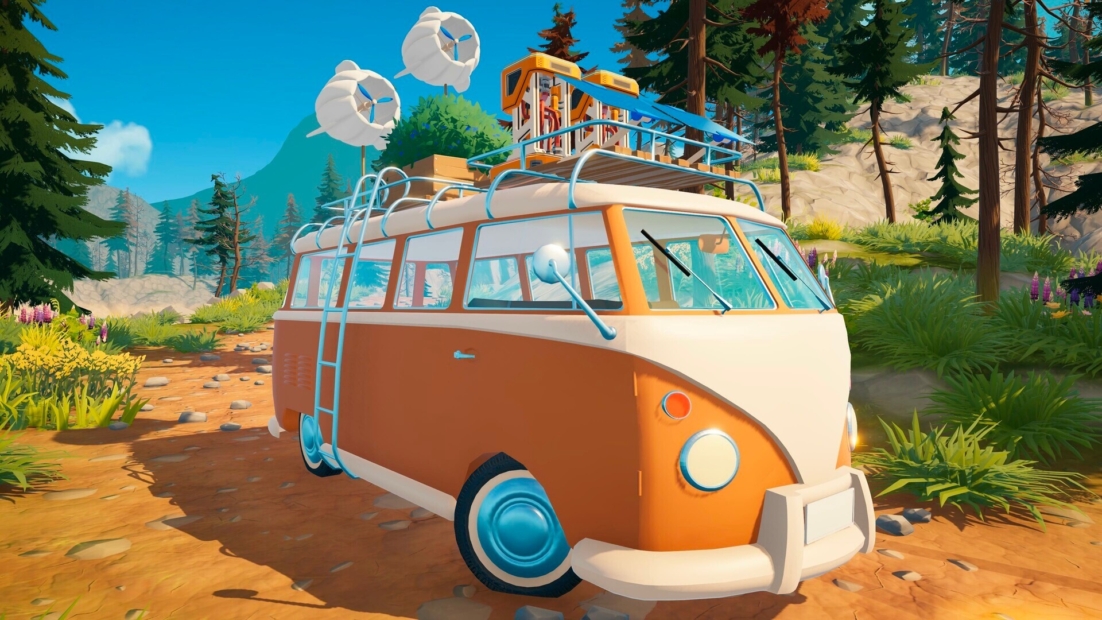
Before you craft anything, do a quick van check. Look at where your energy is coming from, what is already using it, and how much space you have for loot. That gives you a clear idea of what your next upgrade should be, rather than just building whatever looks useful in the moment.
In the beginning, focus on the boring stuff. It’s boring for about five minutes, but then it becomes the reason everything else works.
- Basic building materials help you expand your van and make useful furniture
- Scrap and metal parts are needed for modules, energy systems, and storage
- Plants, fibers, and mushrooms keep your crafting and food supply moving
- Rare-looking items should stay in your inventory until you know their purpose
A good first upgrade in Outbound is extra storage. It doesn’t sound exciting, but it immediately changes the pace. With more room in your van, every trip becomes more valuable, and you spend less time driving back and forth with half a backpack full of useful junk.
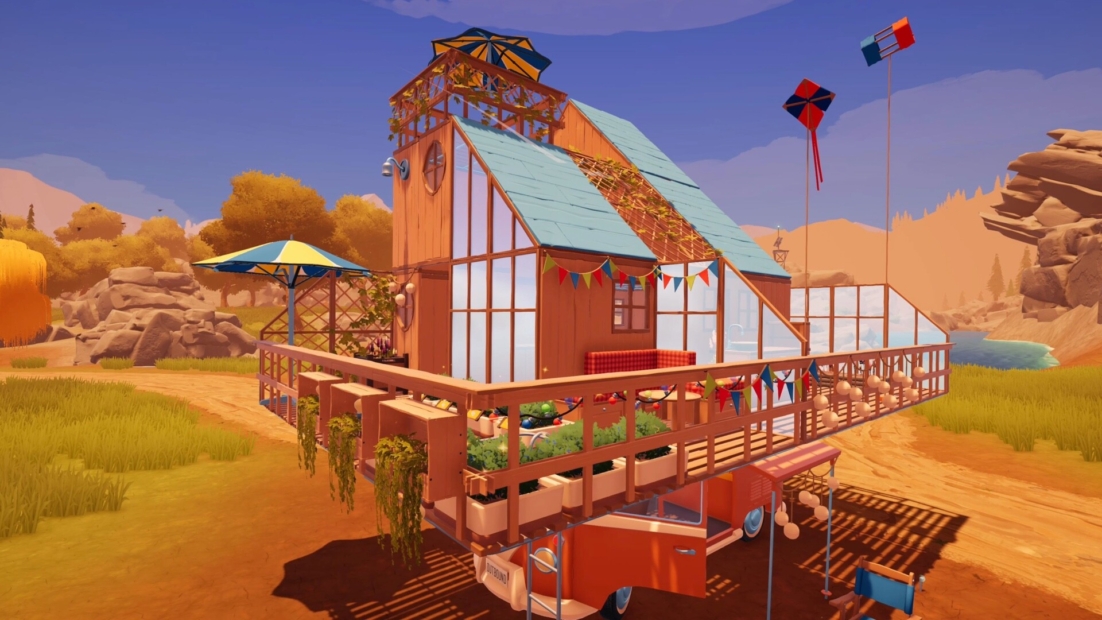
After that, pick a direction:
- Go for power if you want to run more machines at the same time
- Go for storage if you want longer loot runs
- Go for farming and cooking if you prefer a relaxed, self-sufficient playstyle
- Go for mobility if you want to push into new areas early
The biggest trap is trying to do everything at once. In Outbound, one completed upgrade is worth far more than three projects left half-finished in your van. Keep your first goal simple, finish it, install it, then move on to the next one.
Explore As Much As Possible
In Outbound, exploration isn’t optional. The game makes this clear right away when you leave your van, search for scrap, and look for the first signal tower. From that point on, the message is clear: if you want to progress, you need to get out there and check your surroundings.
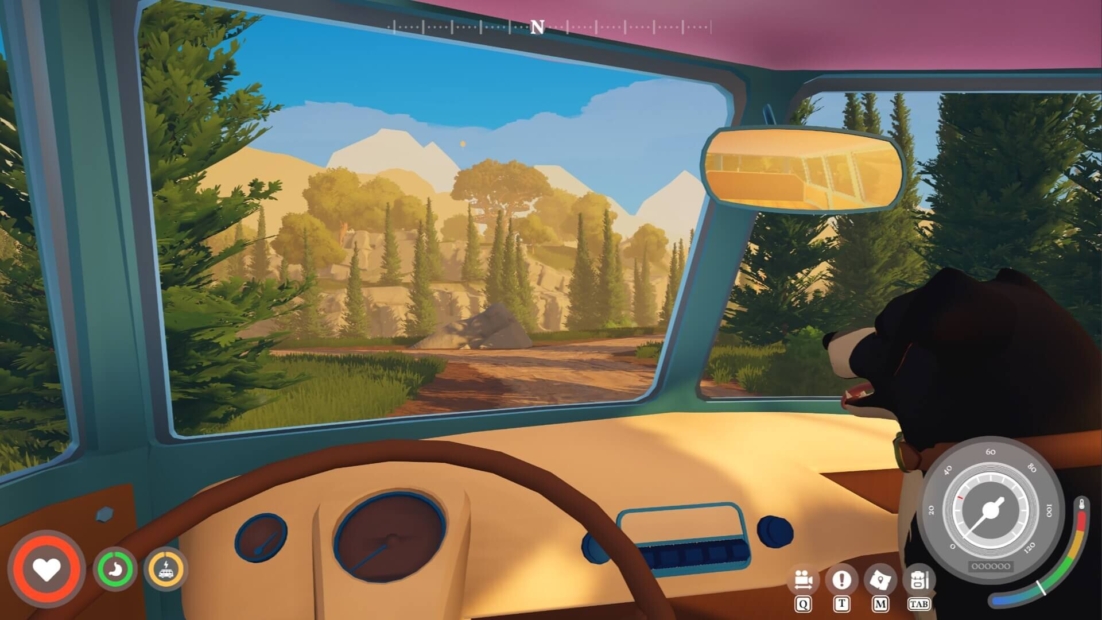
Don’t just follow the road and ignore everything around you. Choose unknown paths, run through open fields, climb to higher ground, and investigate anything that looks unusual. The world often rewards curiosity with useful finds.
While exploring, look out for:
- Scrap and crafting resources for upgrades
- Signal towers that help you move forward
- Rare collectibles hidden away from the main path
- Landmarks and puzzles that reward careful players
- Animals and wildlife that make each biome feel alive
Each region in Outbound has its own style, from The Outdoors to The Coast, with distinct secrets, resources, and scenery. Even the weather shifts as you travel, with rain, thunder, and clear skies adding atmosphere without making things stressful. If the weather turns rough, just head back into your van, close the door, cook something, and continue when you’re ready.
Collect Everything
At the start of Outbound, you need many resources for crafting, so grab almost everything you find. If you spot items while driving, stop the van, collect them, and store them in your truck’s storage. Pay special attention to Scrap Metal. It’s one of the most important early-game resources, and you’ll need plenty of it for upgrades.
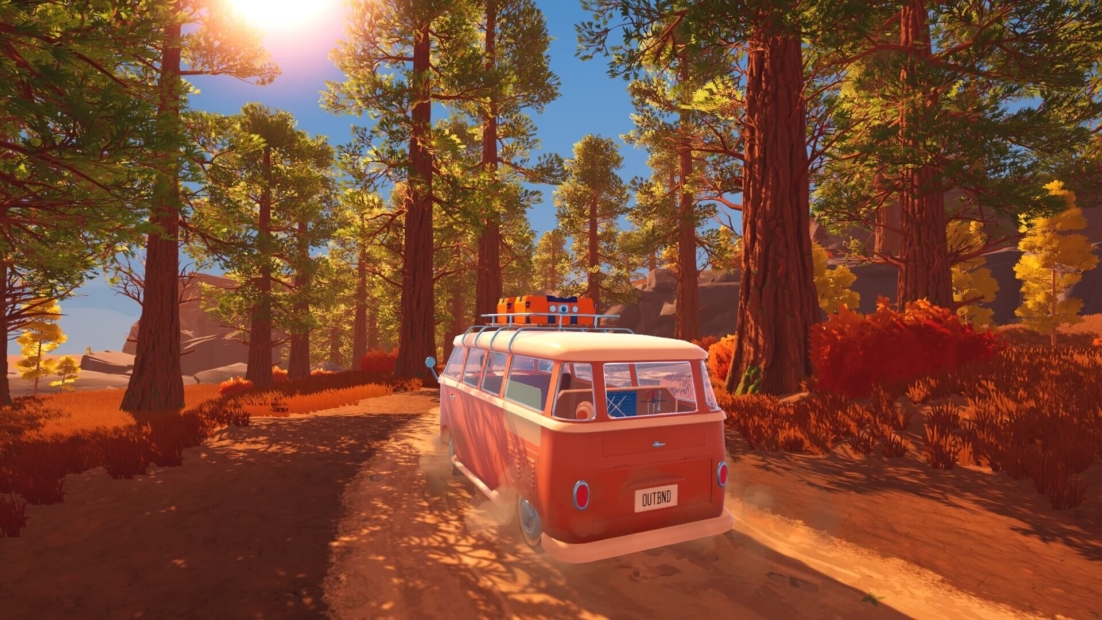
To farm it efficiently:
- Revisit signal towers you already found
- Collect the respawned Scrap Metal
- Bring it back to your truck storage
- Repeat this route whenever you run low
Don’t treat old areas as finished. In Outbound, backtracking is one of the easiest ways to keep your crafting supplies healthy.
Store Items in Your Van
In Outbound, collecting everything only works if you actually unload it. Your backpack fills up fast, and once it gets too heavy, your movement slows. You walk much more slowly and can no longer jump, which makes exploring way more annoying than it needs to be.
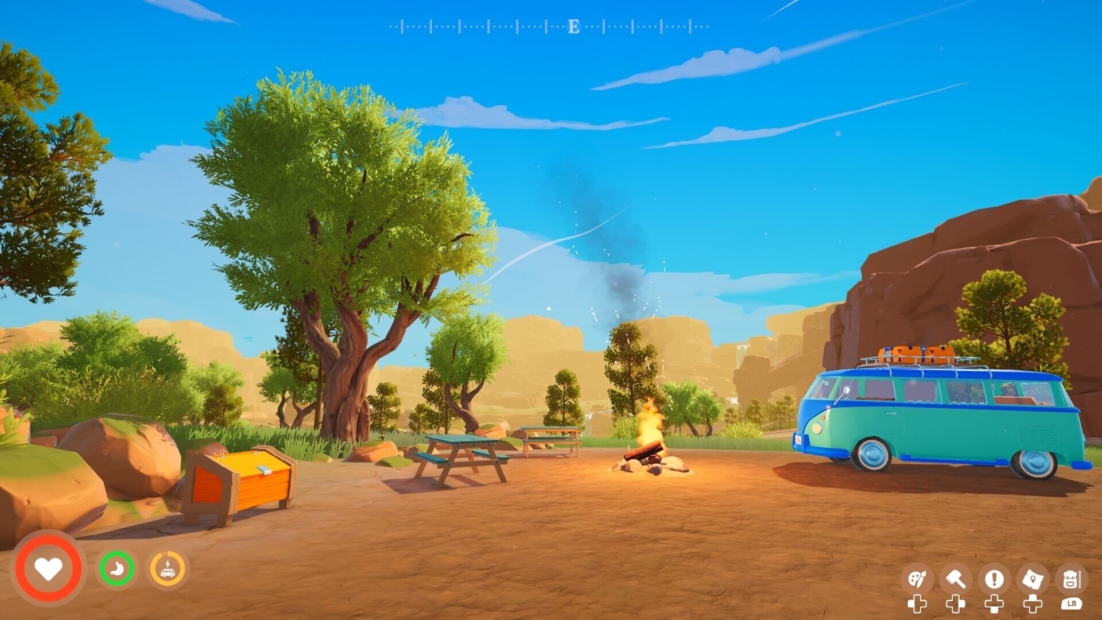
Make regular trips back to your van and use it as your main storage space. At the start, you only have 20 backpack slots, so don’t try to carry your entire crafting future on your back.
To store items:
- Go to the rear left side of your van
- Open the small storage vent or cabinet
- Deposit your collected resources
- Head back out and keep exploring
Your van storage is especially useful because it has infinite space. Whenever your backpack starts to fill up, dump your items there and keep looting without slowing down.
Pay Attention to Hunger and Fuel
Outbound may be peaceful, but that doesn’t mean you can ignore survival. Your HUD displays health, hunger, and van fuel, and the latter two can drop faster than expected as you explore, craft, and drive.
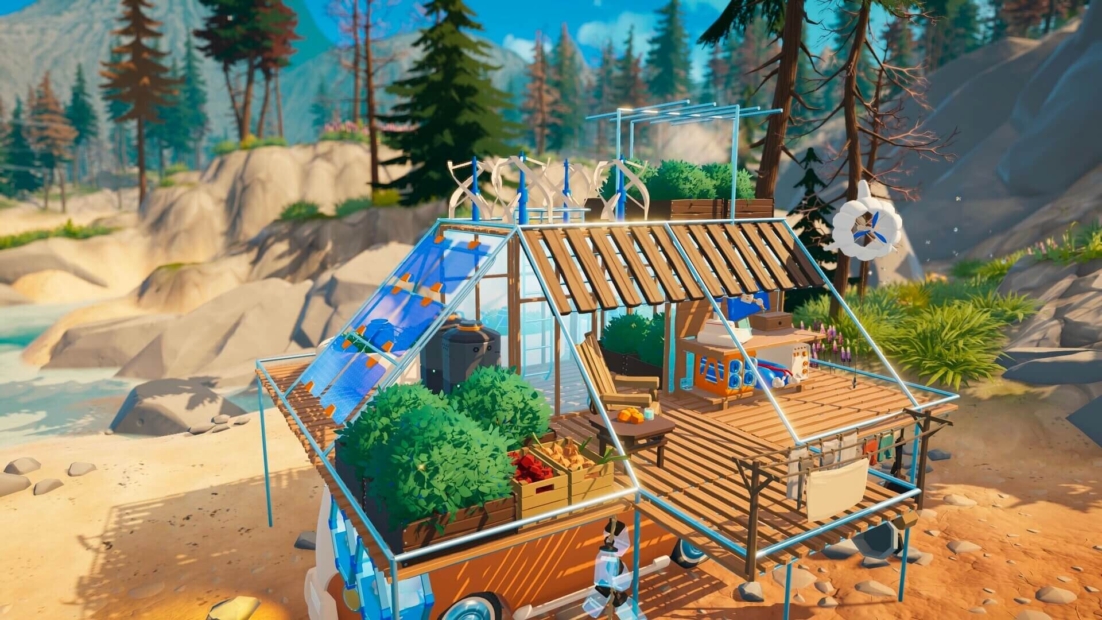
Keep your hunger at bay by eating regularly. Roadberries are a great early option because they are easy to find in bushes across the map. You should also check your van’s fuel often. Open the back of the van and refuel it with fiber or better fuel types once you unlock them.
Before longer trips, make sure you have:
- Enough food for yourself
- Enough fuel for your van
- A few spare resources in case you need to refuel on the road
Getting hungry or running out of fuel can leave you stranded far from where you want to be, so keep both meters topped off before you push deeper into the map.
How to Get Food
In Outbound, you can get food by foraging or by growing it yourself. Early on, foraging is the easiest option. Look for bushes with blue berries and collect Roadberries from them. Each berry restores a decent chunk of your hunger, and they are easy to find while exploring. You can also eat mushrooms, which usually grow near trees and other plants. They restore about the same amount of hunger as Roadberries, so grab them whenever you see them.
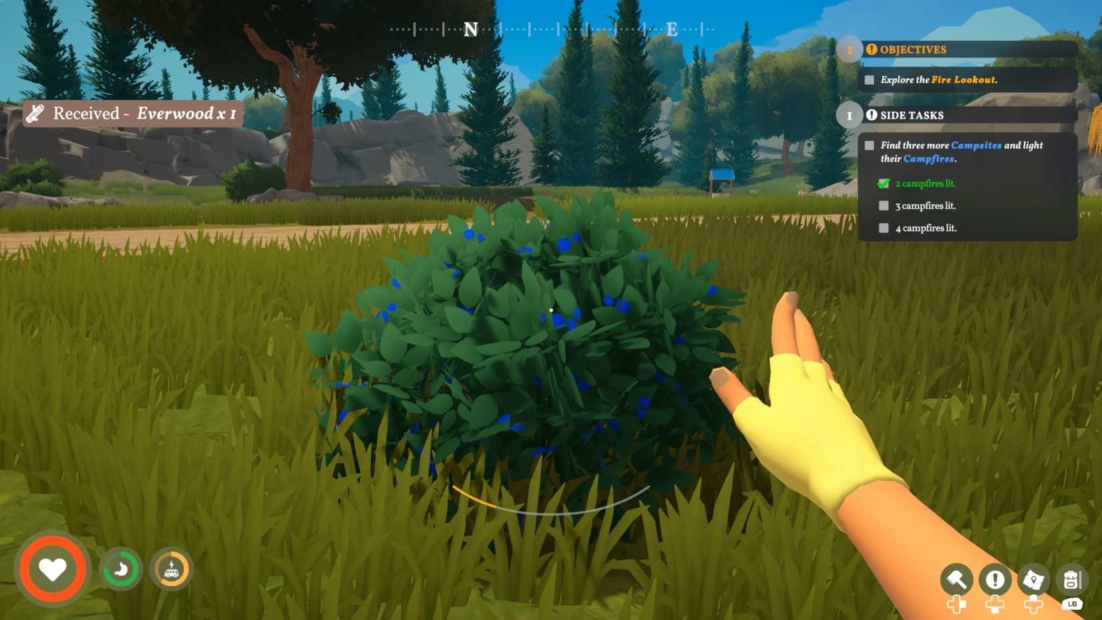
Later, you can start farming. Once you unlock the Gardening Blueprint, you can build:
- Crop Plot: 2 Everwood and 2 Everwood Planks
- Watering Can: 4 Scrap Metal
To grow food:
- Build a Crop Plot and Watering Can
- Interact with the sign on the plot
- Choose a crop from the food you already own
- Water it regularly
- Wait a few days and harvest it
You don’t need separate seeds in Outbound. If you have a fruit or vegetable in your inventory or in van storage, you can plant it to grow more of it.
Unlock New Recipes and Tools
In Outbound, most new recipes come from signal towers. Early on, the tower downloads are fairly predictable, but later, you’ll often have to choose between two or three blueprints. Don’t stress too much about missing something. If you skip a recipe, it can show up again later at another tower or after a tower reactivates.
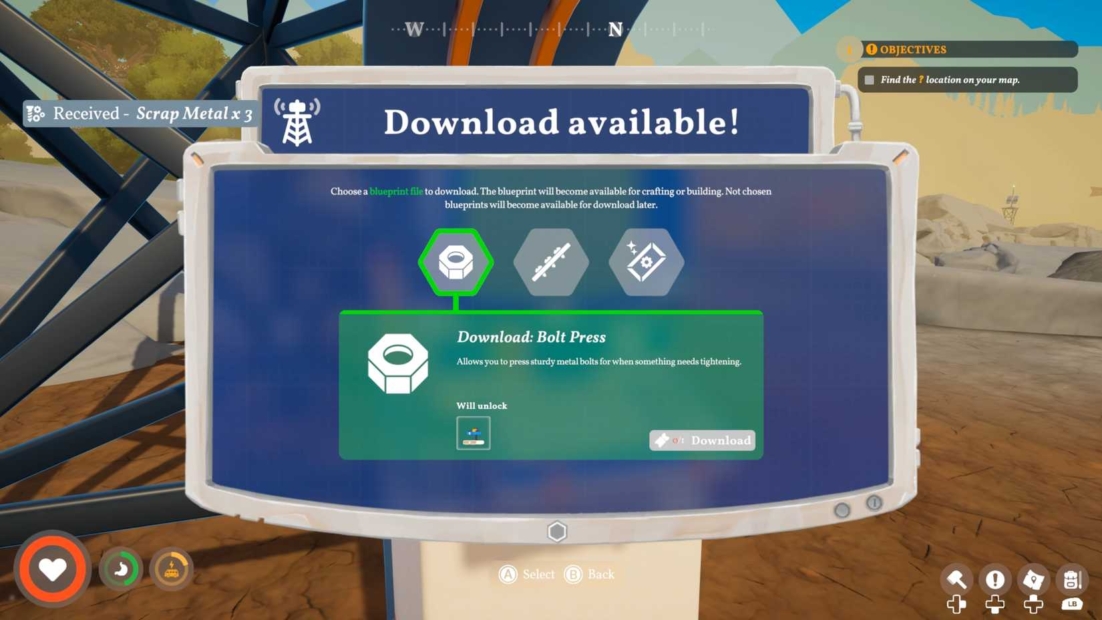
When choosing downloads, prioritize:
- Tool upgrades, especially the Axe and Pickaxe
- Useful crafting recipes that help your current setup
- Utility over decoration in the early game
A few things are worth remembering:
- Old signal towers can become useful again
- Skipped blueprints aren’t gone forever
- Your journal tracks unlocked tools and recipes
- New biomes can add new tower downloads
- Milestones and points of interest may trigger new options
- Some blueprints can also appear in points of interest or vending machines
The best advice is to keep moving. Drive, explore, reactivate towers, and check your journal if you’re missing something. The game keeps feeding you new tools as long as you keep playing.
Recycling Pays Off
In Outbound, litter is more than just world clutter. Pick it up whenever you see it, because you can turn it into Coupons at a Recycler. Coupons are useful for unlocking blueprints on tower computers, so recycling directly helps your progression.
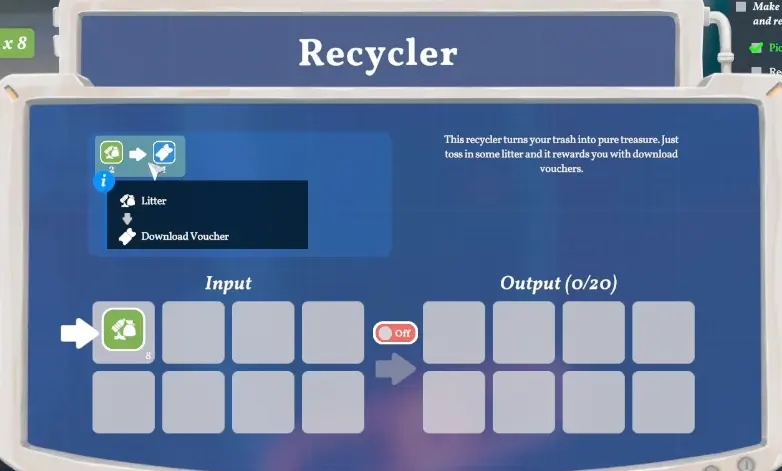
To recycle litter:
- Collect litter while exploring
- Bring it to the Recycler
- Open the Recycler menu
- Place the litter in the input slot
- Wait until it becomes a Coupon
It’s a small habit, but it pays off. Every piece of trash can bring you closer to your next useful blueprint.
Enjoy Outbound even more with PLITCH!
With our Outbound tips and tricks, you now know how to gather resources, manage your van, and survive life on the road. If you want to make your journey even more relaxing, the Outbound cheats from PLITCH let you customize the game to your playstyle.
Use Unlimited Stamina to explore without constant breaks, enable No Hunger so you can focus on building and driving, or refill your health and fuel whenever needed. With Infinite Car Fuel and Restore Fuel, long trips become much easier. You can also adjust your movement with Unlimited Jumps, No Fall Damage, No Overweight Penalty, or speed and jump multipliers.
For your van, PLITCH lets you change steering, engine power, and fuel. You can even set item amounts, making crafting and upgrading much smoother.
Check out this blog and our YouTube channel to find out more about PLITCH!
Happy Gaming!
You might also like:

 English
  Deutsch