Subnautica 2 throws you into a mysterious alien ocean filled with resources, strange creatures, and plenty of ways to get yourself killed. In our Subnautica 2 tips and tricks, we show you how to build your first base, explore safely, manage your survival, and prepare for deeper dives.
Table of Contents
Build Your First Base
Once you get the Habitat Builder in Subnautica 2, the game tells you to build a base but barely explains what that actually means. Start simple. You don’t need a huge base right away. You mainly need a safe place to store items, craft equipment, and prepare for longer dives.
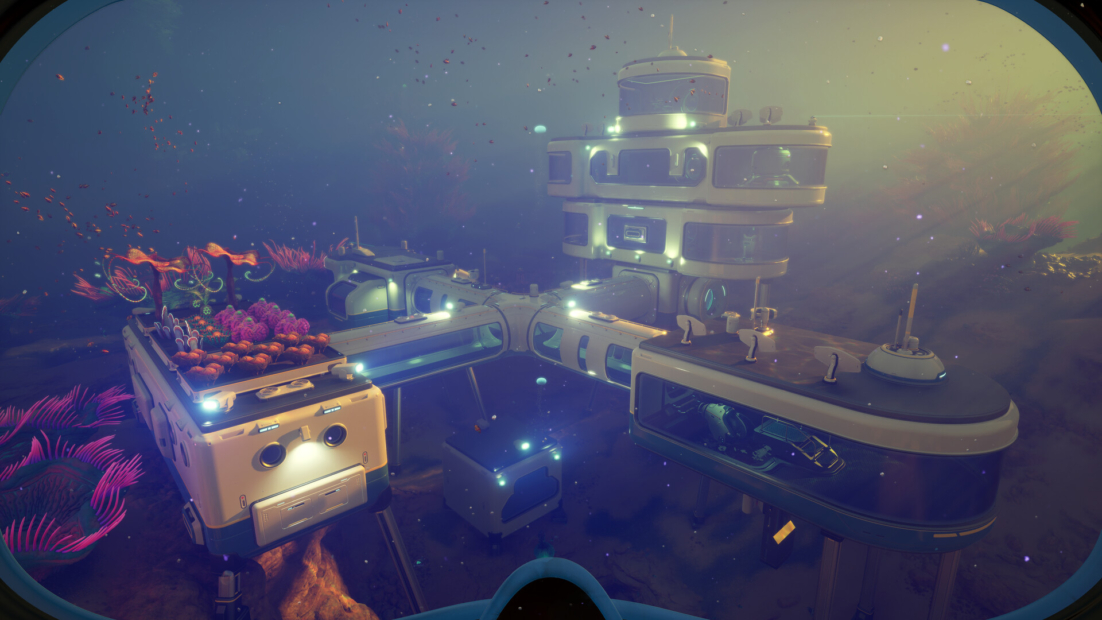
To build your first base:
- Collect Titanium from the starting area, especially inside caves.
- Build a single corridor in a safe, easy-to-reach spot.
- Add a hatch so you can enter it.
- Place wall lockers inside to store your materials.
- Add early machines once you have enough space and resources.
When choosing a location, don’t just build directly under your escape pod. It’s convenient at first, but power becomes more important later. Jetstream tubes are especially useful because you can place a hydroelectric turbine nearby to power your base at night.
Keep these base tips in mind:
- Solar panels are great during the day, but useless at night.
- Hydroelectric turbines work well near jetstream tubes.
- Power transmitters can connect energy sources to your base.
- Building too far away from your power source means extra work and extra resources.
- A base near a jetstream saves you a lot of trouble later.
You should also use the Move Items option whenever you want to rearrange your habitat. If something refuses to move, don’t panic. Just demolish it instead. You get the materials back, so rebuilding usually costs you nothing.
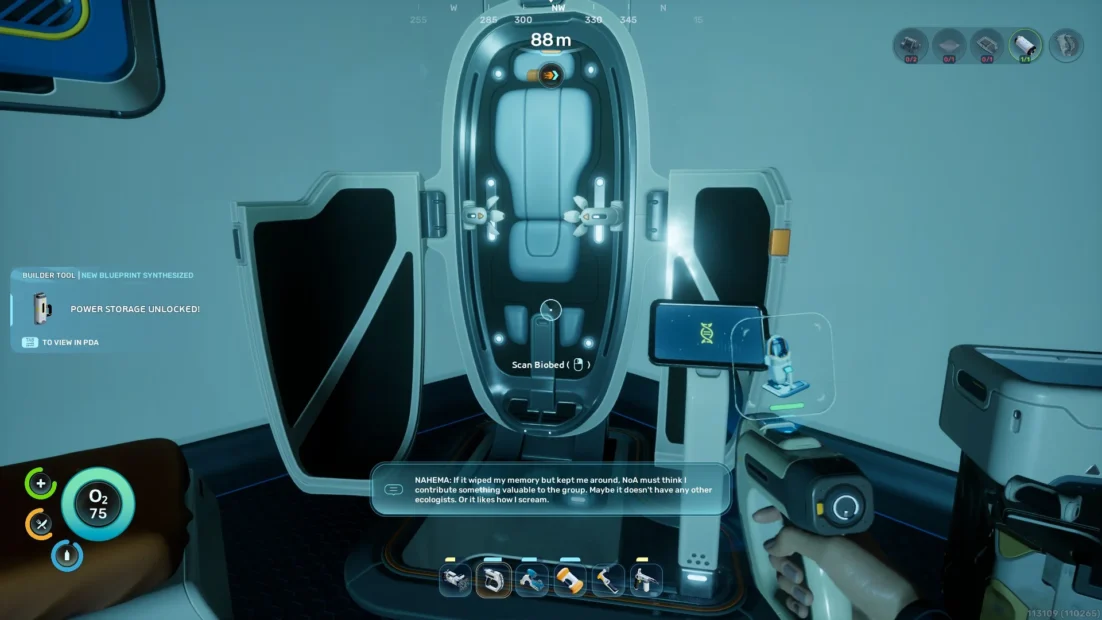
Once your base in Subnautica 2 is more permanent, make sure to build a Biobed. This sets your respawn point, or reprint point, which is especially useful if you spend a lot of time away from your pod.
You should also build a NoA as soon as possible. These devices give you new objectives, and those in abandoned habitats aren’t tuned to you. If the sound annoys you, place it in a separate room so your main base stays quiet.
Exploration Tips
Exploration in Subnautica 2 is where the game really opens up. Your NoA might point you toward the next objective, but rushing from marker to marker means you’ll miss a lot of useful stuff.
You can find some of the best early rewards by simply checking places that are not part of your current objective. Abandoned habitats, resource pockets, and hidden blueprint fragments can all give you a significant advantage before the game explicitly tells you to look for them.
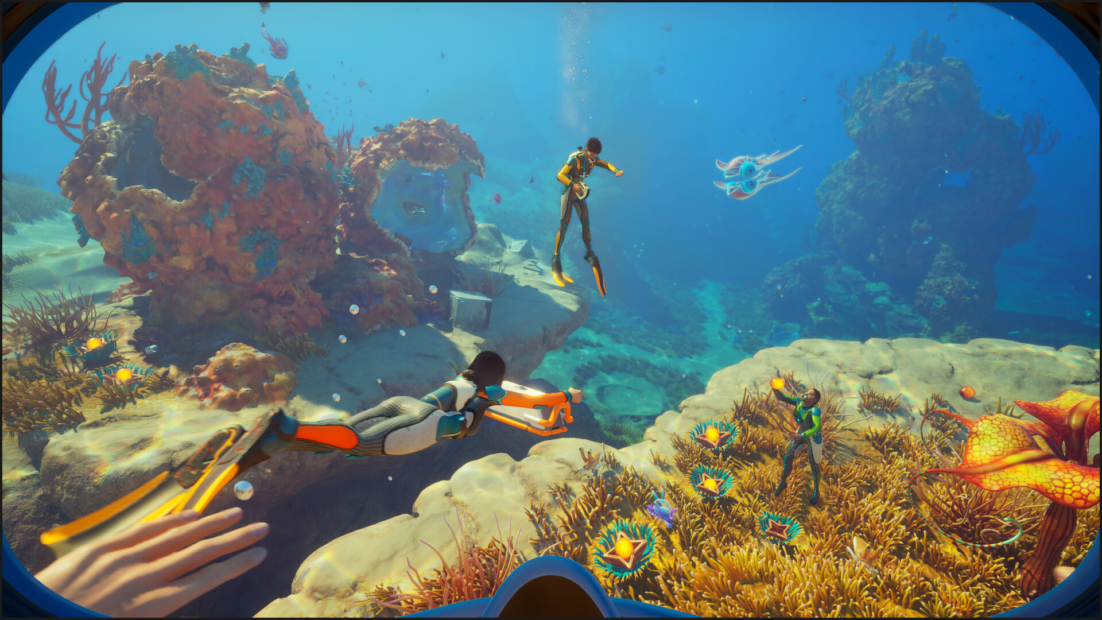
Before you leave your base, decide what kind of trip you’re making:
- Exploration trip: Bring more food and water, scan everything, and remember useful locations.
- Resource trip: Keep your inventory mostly empty and focus on bringing materials back.
- Objective trip: Pack only what you need, then leave space for anything important you find.
- Blueprint trip: Search wrecks, habitats, and unusual structures for scannable fragments.
Since Subnautica 2 lacks a proper in-game map, you need to develop your own sense of direction. The scanner helps with nearby areas, but it won’t replace good navigation habits.
A simple way to stay oriented is to use signals:
- Open your menu and check available signals.
- Toggle useful signals like blackboxes or key locations.
- Use them as distance markers when you find good farming spots.
- Write down where rare resources are in relation to those signals.
- Turn the signal back on whenever you need to return.
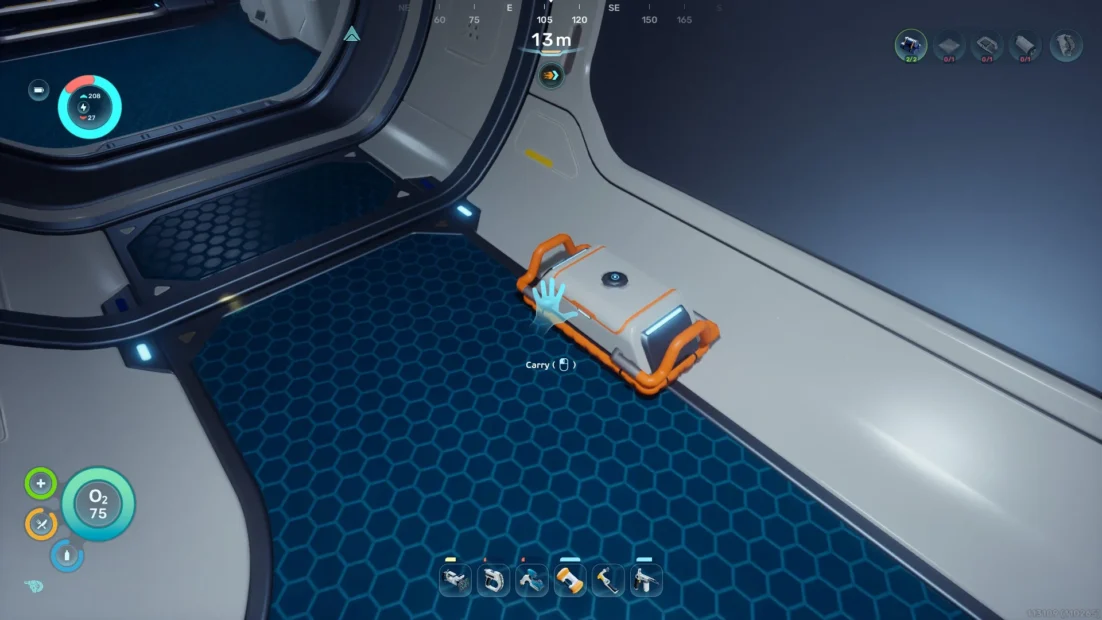
You should also craft Portable Lockers whenever you can. They are cheap, easy to make, and extremely useful when your inventory fills up far from base. They don’t hold as much as a wall locker, but they can save a good resource run. Just be careful. If you drop one and forget where it is, all those extra materials are basically gone.
One thing you shouldn’t mess with too much in Subnautica 2 is the edge of the Early Access area. If you find a red-striped wall, you have reached the outer boundary of the playable zone. The game lets you go past it, but that doesn’t mean you should. You might see some huge creatures out there, but you probably won’t live long enough to enjoy the view.
Get Yourself a Vehicle
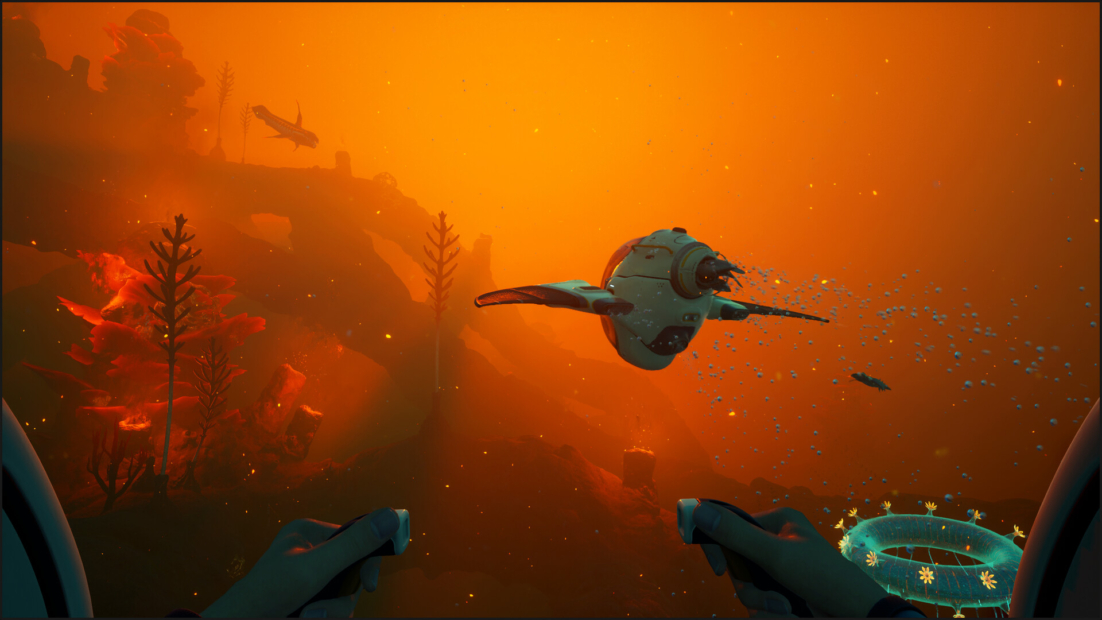
Exploring in Subnautica 2 becomes much easier once you build your first vehicle. The Tadpole is a small personal submersible that protects you from hostile wildlife and lets you travel much farther without constantly worrying about oxygen.
The game doesn’t make this super obvious, but you can build it surprisingly early. It requires several crafting steps, though most materials are available near the starting area. Before you can build the Tadpole, you need to scan three Tadpole Fragments to unlock the blueprint. After that, prepare your base for vehicle crafting.
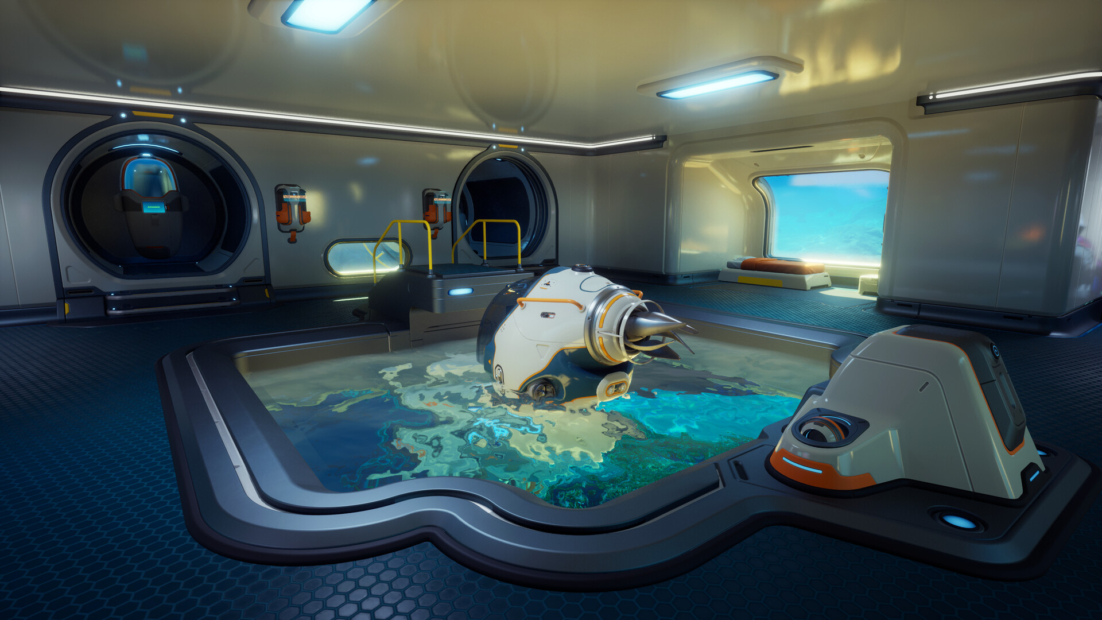
You’ll need:
- Moonpool: 5 Titanium
- Tadpole Dock: 2 Titanium Ingots, 1 Silver Ingot, 2 Copper Wire
- Vehicle Fabricator: 2 Titanium Ingots, 1 Copper Ingot, 2 Glass
- Tadpole Core Module: 2 Titanium Ingots, 1 Glass, 1 System Chip, 1 Power Cell
To get there, you first need a Processor. It lets you craft ingots from raw materials, which are required for both the dock and the vehicle fabricator.
A simple crafting path looks like this:
- Craft a Processor with Titanium, Copper Wire, and Mild Acid.
- Use it to make Titanium Ingots and a Copper Ingot.
- Turn Quartz into Glass.
- Build your Moonpool at your base.
- Attach the Vehicle Fabricator to the Moonpool.
- Craft the Tadpole Core Module once you have the remaining parts.
The trickiest parts are usually the Power Cell and the System Chip. For the Power Cell, you need a battery, salt, and Strong Acid. Salt can be found while swimming, and Strong Acid requires Necrolei Cysts, which grow on flowers near the starting area.
For the System Chip, you need:
- Quartz
- Silver
- Copper Wire
The Tadpole in Subnautica 2 doesn’t seem to have an inventory at first, but you can attach items to the two small circles on its back. If you attach a Portable Locker, you basically give your vehicle extra storage space, which makes long resource runs much less annoying.
You should also upgrade the Tadpole later. There is a hatch on top where you can insert vehicle upgrades, but you need a Modification Station first. This requires Celestine, so you won’t get it right away.
Useful Tadpole upgrades include:
- Armor upgrades to survive crashes and creature attacks
- Speed upgrades for faster exploration
- Scanning upgrades to help with resource hunting
- Impact damage reduction to protect the hull
The impact reduction mod is especially helpful in Subnautica 2 because even minor collisions can damage your Tadpole. Once you reach the alien ruins, search the nearby research outpost to the south. You can find a mod there that makes your vehicle much more forgiving.
Survival Management
In Subnautica 2, the ocean constantly drains your oxygen, health, food, and water. If you play in Survival Mode, managing your condition is just as important as finding blueprints or building your base.
The biggest danger early on is oxygen. By default, you only have 45 oxygen, and it depletes quickly when you start diving into caves or deeper biomes. The good news is that you don’t die the exact second your tank hits zero. Your vision blurs first, then the screen goes dark, and you still have a brief moment before it is over.
To survive longer dives:
- Swim while facing upward when returning to the surface.
- Craft the Standard Air Tank as soon as possible.
- Upgrade later to the High Capacity Air Tank for even more breathing time.
- Use air bubbles from objects like Oxygen Tunics and abandoned scuba tanks.
- Enter your base or vehicle whenever possible to refill oxygen instantly.
The first tank upgrade is a major improvement in Subnautica 2. Going from 45 to 75 oxygen gives you enough time to explore instead of constantly sprinting back to the surface. Later, the High Capacity Air Tank increases this to 120 oxygen, making deeper areas much less stressful.
You should also keep an eye out for tools that help with air management:
- Air Bladder: Restores a small amount of oxygen when used.
- Rebreather: Helps conserve oxygen during deeper dives.
- Vehicles: Refill oxygen while also protecting you.
- Bases: Any base with a hatch gives you a safe breathing spot.
Health is your next concern. Creatures, crashes, and environmental hazards can chip away at it quickly, especially when you become careless during exploration.
To recover health, use:
- First Aid Kits for a quick plus 50 health
- Medical Gel Sacs from Acid Raions for plus 10 health
- Safe shelters, like your base or vehicle, to avoid taking more damage
Food and water are equally important in Subnautica 2, but they work a little differently. At first, your food options are limited. Nutrient Blocks restore +40 food, but you’ll need upgrades before the alien ecosystem becomes a viable food source.
For better food management:
- Use Nutrient Blocks early on.
- Unlock the Digestion Adaptation upgrade.
- Cook fish, jerky, or mash through the Fabricator.
- Bring food before long expeditions.
Thirst can become a problem even faster in Subnautica 2 because, ironically, being surrounded by seawater does little to help. Early on, Water Slugs are your best friend. Catch them and turn them into drinkable water using the Fabricator.
Before leaving your base, pack smart:
- A few bottles of water
- One or two food items
- At least one First Aid Kit
- Enough free inventory space
- A clear route back to oxygen
Use Your Scanner
One of the first tools you should craft in Subnautica 2 is the Scanner. You need it to unlock many important blueprints, and without it, much useful gear remains unavailable.
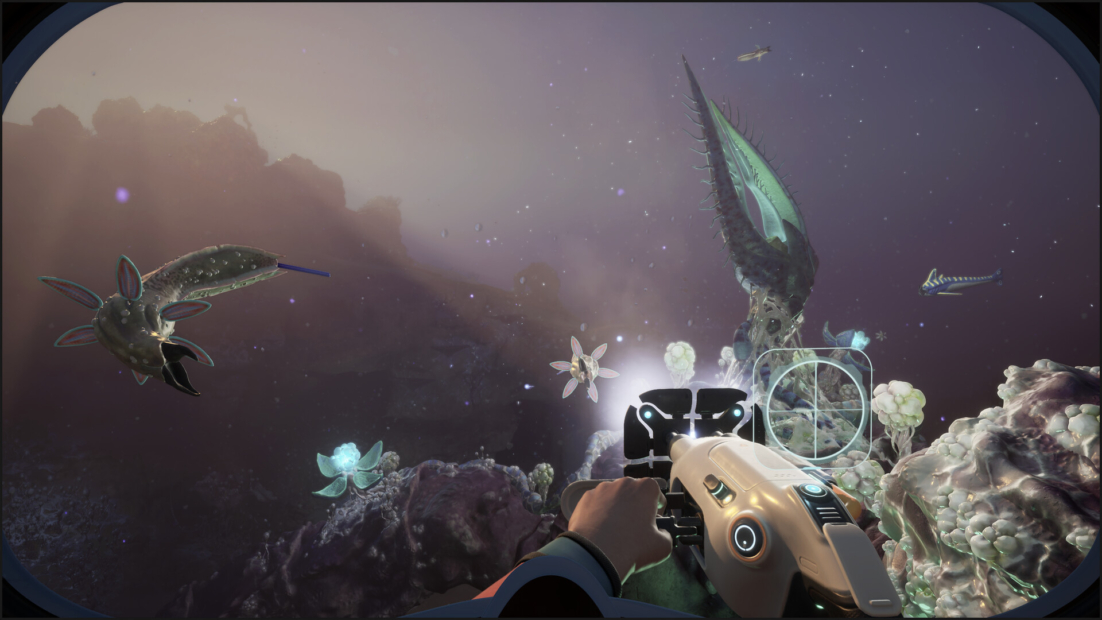
You can craft it at the Fabricator with:
- 2 Titanium
- 2 Quartz
- 1 Battery
Once you have it, use it on anything that looks mechanical, artificial, or out of place. The Scanner helps you unlock key recipes, including the Tadpole, the Processor, base parts, tools, and upgrades. When exploring, check the Scanner screen for yellow pips. They indicate nearby objects you can scan.
You can also scan creatures for lore in Subnautica 2, but progression primarily comes from objects, fragments, and settler technology. Shipwrecks and abandoned habitats are especially worth checking, as they often contain blueprints, storage caches, and restorative items.
Recharge Your Batteries
Many tools in Subnautica 2 run on batteries, including the Scanner and the Sonic Resonator. If you don’t keep spare batteries on hand, your most important tools can die right when you need them.
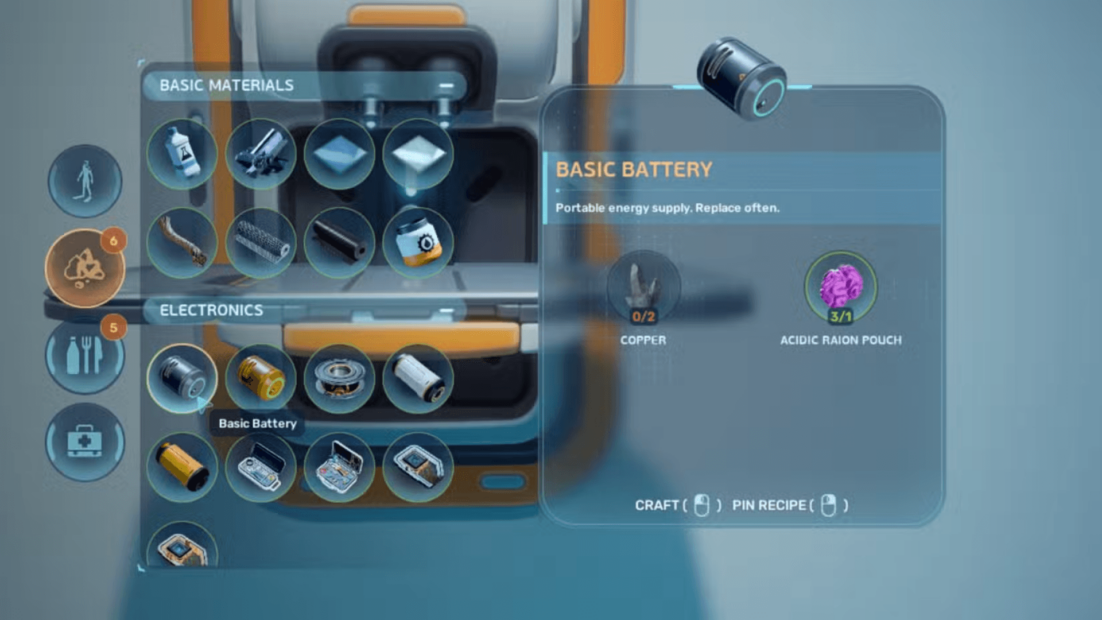
You can craft Basic Batteries with:
- 2 Copper
- 1 Acidic Raion Pouch
To swap batteries, equip the tool and press R. This lets you load a new battery from your inventory or remove an empty one.
Once you have a base in Subnautica 2, build a Battery Terminal with:
- 2 Titanium
- 2 Quartz
- 1 Copper Wire
Place empty Basic Batteries inside, and they will recharge in seconds. This makes longer expeditions much easier to prepare for.
How to Avoid Deadly Creatures
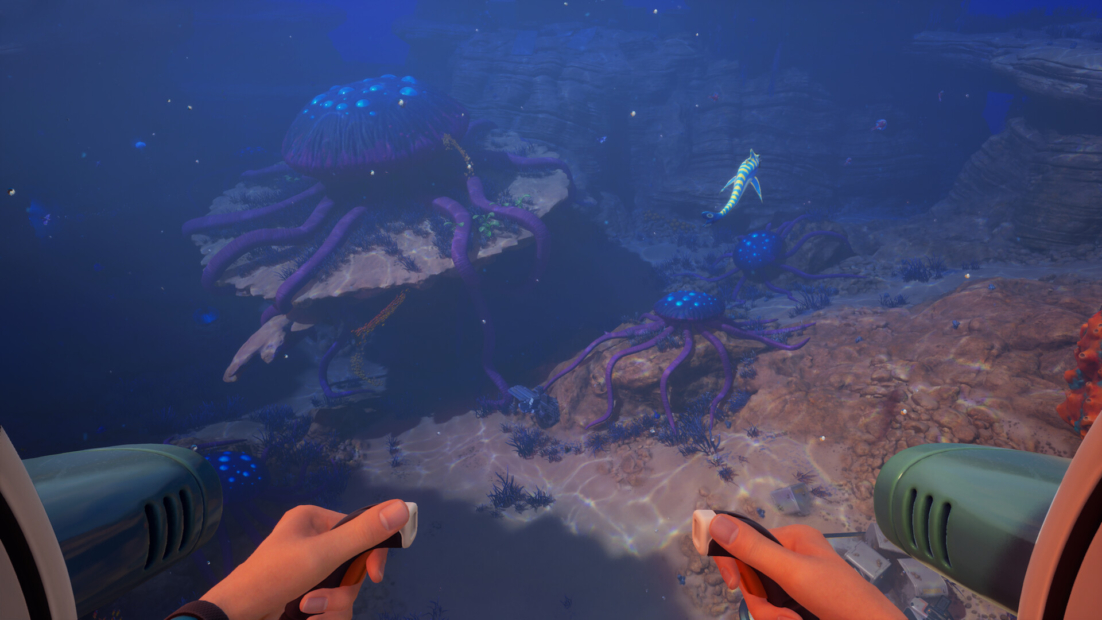
Not every creature in Subnautica 2 wants to eat you, but some absolutely do. Most small and medium creatures lose interest if you swim away, so your first reaction should usually be escape, not fight. Attacking with your survival tool is a bad idea. Once you hit a creature, it may start hunting you and keep chasing you until you die or enter a base.
To stay alive, remember this:
- Swim away first instead of attacking
- Use the Sonic Repulsor against smaller threats
- Bring Distraction Flares when entering dangerous areas
- Stay near the surface when crossing deep water
- Listen for ominous music, as it usually means something huge is nearby
Flares are especially useful against larger predators like Needlers near the alien ruins. Smaller enemies in Subnautica 2 may ignore them, but large hostile creatures can be distracted long enough for you to escape.
You can craft a Distraction Flare with:
- 1 Titanium
- 1 Quartz
Leviathans are a different story. Don’t try to test them. If one catches you while you’re swimming, you’re probably gone. The Tadpole gives you a better chance because the vehicle takes the damage instead of you, but even then, your best strategy is simple: avoid the depths until you’re ready.
Explore Subnautica 2 with PLITCH!
With our Subnautica 2 tips and tricks, you’re ready to build your first base, explore deeper waters, and survive the ocean’s dangers. If you want more control over your adventure, the Subnautica 2 cheats from PLITCH let you tailor the survival experience to your playstyle.
Use Unlimited Oxygen to dive deeper without rushing back to the surface, or activate Unlimited Health and Unlimited Energy when hostile creatures make exploration too stressful. Never Hungry and Never Thirsty let you focus on building, scanning, and discovering new areas instead of constantly managing supplies.
For faster progress, Easy Craft & Build, Fast Structure Construction, and Fast Processing Materials make base building much smoother. You can also use Unlimited Power to keep your habitat running, or save important locations with the teleport options and return there whenever you need.
Check out this blog and our YouTube channel to learn more about PLITCH!
Happy Gaming!
More Subnautica 2 content:


 English
  Deutsch