The Sinking City 2 plunges you into a dark, flooded Arkham filled with monsters, mysteries, and scarce resources. When combat becomes overwhelming or survival mechanics get in the way, PLITCH’s The Sinking City 2 mods & cheats give you plenty of ways to customize your experience. Adjust your health, movement, weapons, items, enemy behavior, and even your flashlight to explore Arkham on your own terms.
Table of Contents
Change the Mood with Every Flashlight Color
Darkness is a major part of what makes The Sinking City 2 so unsettling. Arkham’s flooded interiors are filled with shadows, and your flashlight is often essential for finding your way through them.
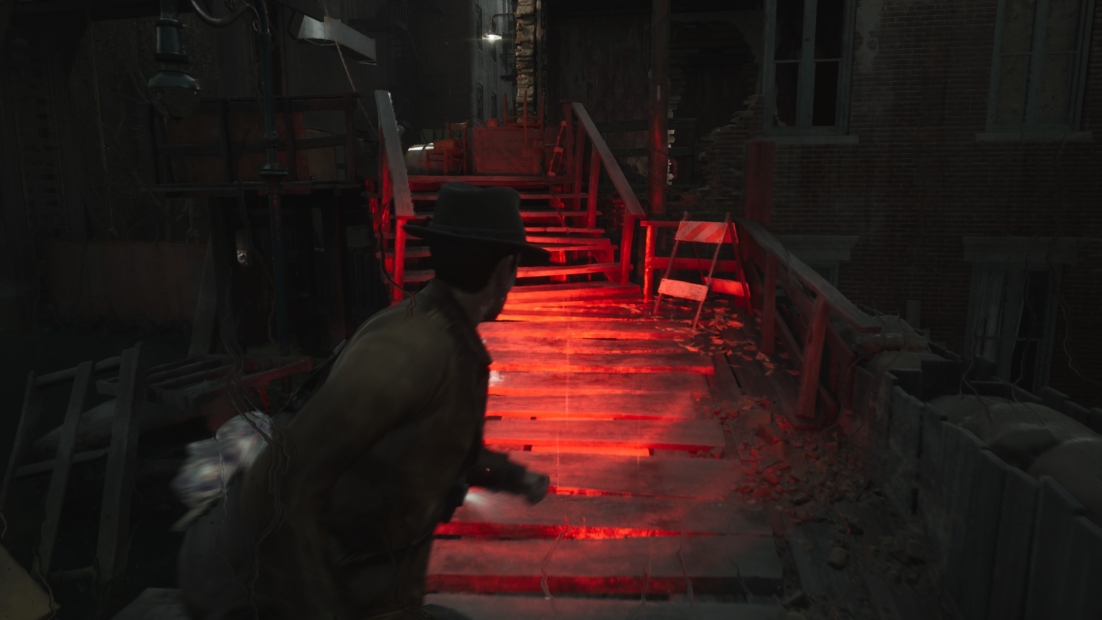
With Brighter Flashlight, you can make dark environments easier to navigate and get a clearer view of what’s ahead. Darker Flashlight goes in the opposite direction for players who want to make the horror even more intense. The remaining options are all about changing the atmosphere: Flashlight: Cool Blue, PLITCH Green, Nightmare Red, Amber Gold, and Icy Cyan give your flashlight a completely different look.
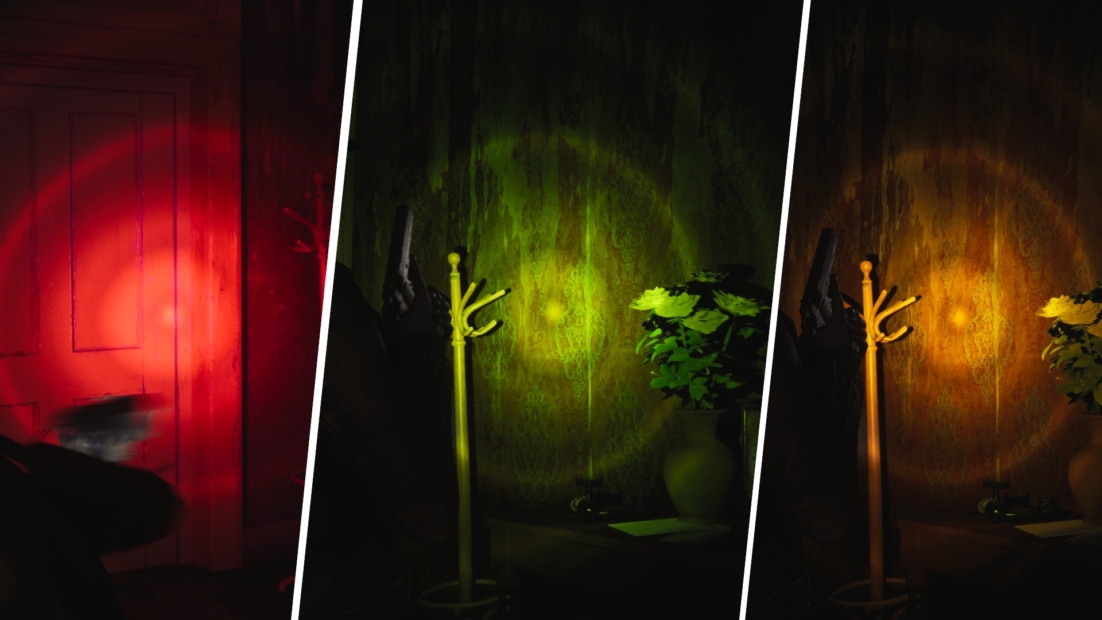
Then there’s Disco Mode, which throws the game’s carefully crafted horror atmosphere out the window with a much more chaotic lighting effect. Whether you want better visibility, a different visual style, or simply a ridiculous way to explore a Lovecraftian nightmare, these flashlight mods let you change the mood whenever you want.
Survive the Horrors of Arkham
The Sinking City 2 embraces classic survival horror, which means health is a resource you can’t afford to waste. Healing supplies are limited, enemies can hit hard, and combat often forces you to think carefully about whether an encounter is worth the cost.
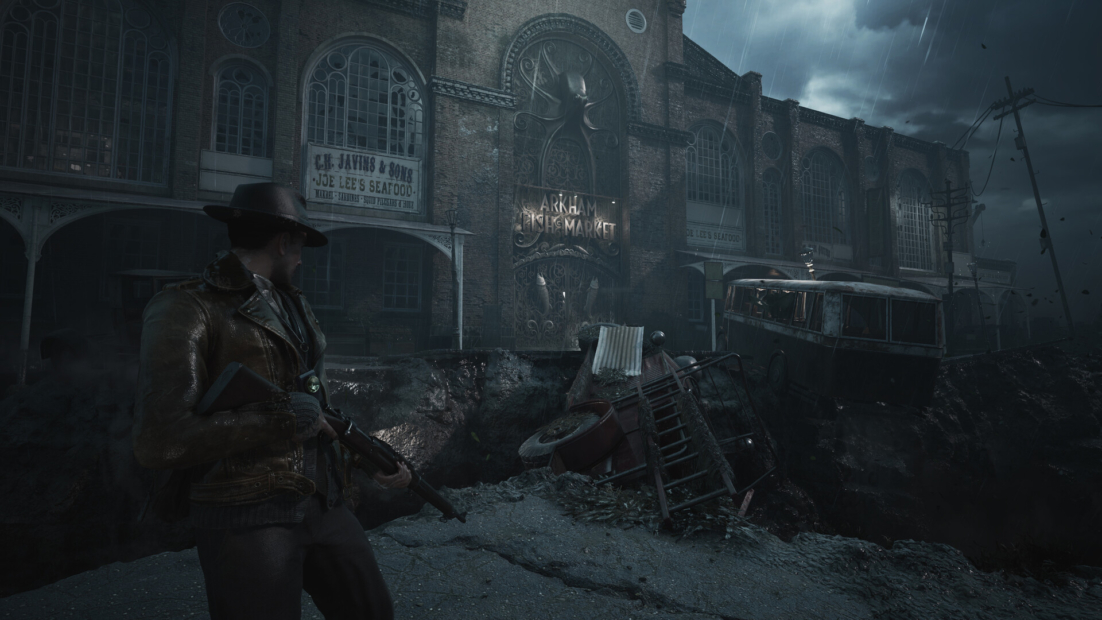
With Refill Health, you can instantly recover whenever your health gets dangerously low, giving you a quick way to get back into the action. Unlimited Health goes further by removing the need to constantly worry about your health bar, while Godmode (Untouchable) makes you completely immune to damage.
If you want more control rather than simply unlimited health, Limit Health (x%) lets you deliberately reduce your maximum health. Keep it low for an extra challenge, or use it to create your own difficulty rules once you’ve mastered the standard experience.
Change the Pace of Combat
The Sinking City 2’s heavier movement is part of what gives its combat a tense, survival-horror feel. Dodging attacks and creating enough distance from enemies can be difficult when several creatures close in at once.
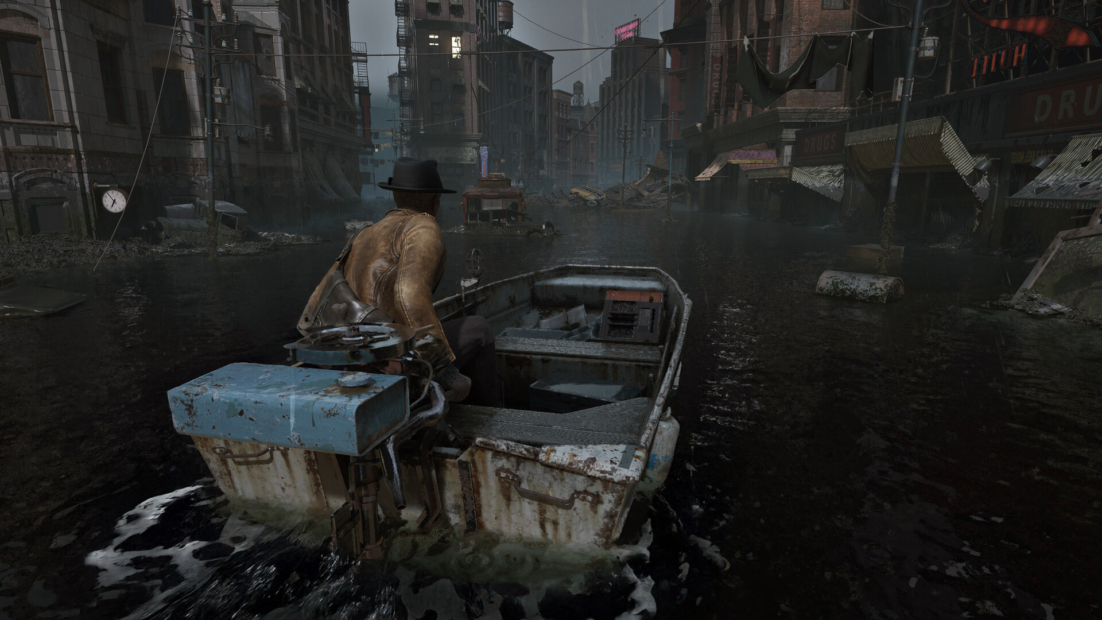
With Faster Movement Speed, you can make Calvin more agile and cover ground more quickly, making it easier to escape enemies or reposition during a fight. Slower Movement Speed does the opposite, letting you deliberately make movement more restrictive for an additional challenge.
You can also adjust the enemies themselves. Slower AI Movement Speed gives you more time to react when monsters approach, while Faster AI Movement Speed makes encounters more intense by letting enemies close the distance much faster. For an even bigger advantage, Very Slow AI (movement + actions) slows both enemy movement and actions, giving you more opportunities to line up weak-point shots, dodge attacks, or simply make your escape.
Item and Weapon Management Made Easy
The Sinking City 2 deliberately keeps ammunition and other resources scarce and your inventory space limited, forcing you to think carefully about every shot and every item you carry.
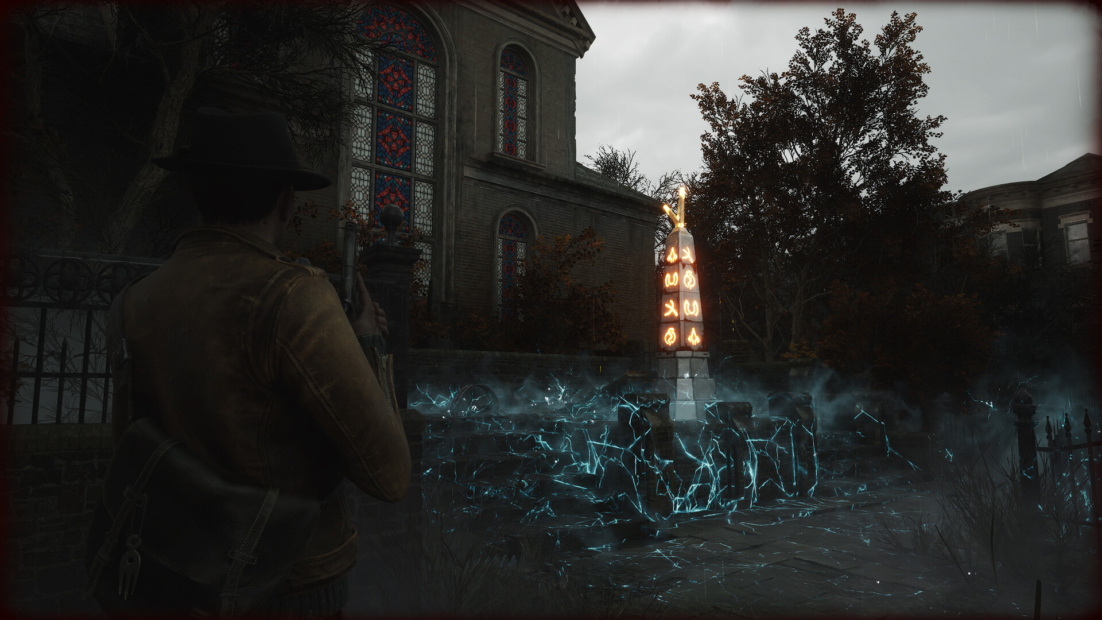
No Reload eliminates one of the most common interruptions in combat, while Rapid Fire lets you unleash your weapons much faster. If you’re struggling to keep your shots on target, No Recoil makes aiming more forgiving and can be especially useful when engaging enemies that require precise weak-point hits.
Resource management becomes much easier with Free Item Usage (Inventory), which lets you use inventory items without consuming them. No Item Decrease (Storage) does the same for items in storage, giving you a much larger safety net for ammunition, healing supplies, and other resources.
All The Sinking City 2 Mods and Cheats from PLITCH
Whether you want to make combat more forgiving, manage your resources more freely, adjust enemy behavior, or completely change the atmosphere with different flashlight effects, PLITCH’s The Sinking City 2 mods and cheats offer plenty of ways to customize the game. Here’s the full list of available mods and cheats.
Health/Energy
- Refill Health
- Unlimited Health
- Limit Health (x%)
Player General
- Faster Movement Speed
- Slower Movement Speed
- Godmode (Untouchable)
Items
- Free Item Usage (Inventory)
- No Item Decrease (Storage)
Weapons
- No Reload
- Rapid Fire
- No Recoil
AI
- Slower AI Movement Speed
- Faster AI Movement Speed
- Very Slow AI (movement + actions)
Miscellaneous
- Brighter Flashlight
- Flashlight: Cool Blue
- Flashlight: PLITCH Green
- Flashlight: Nightmare Red
- Flashlight: Amber Gold
- Flashlight: Icy Cyan
- Flashlight: Disco Mode
- Darker Flashlight
FAQ: The Sinking City 2 Mods & Cheats with PLITCH
PLITCH is a PC game trainer that lets you customize your single-player experience with a wide range of cheats and mods. For The Sinking City 2, you can use PLITCH to adjust health, movement, enemy behavior, weapons, item use, and even the color and brightness of your flashlight. This gives you more control over how you want to experience Arkham, whether you’re seeking a tougher challenge or a more relaxed way to explore its mysteries.
Yes. PLITCH is developed in Germany, is GDPR-compliant, and is Sectigo-certified. It is designed exclusively for single-player games, so it does not offer cheats for multiplayer or competitive gameplay. PLITCH also works by temporarily modifying values in your PC’s RAM while the game is running, rather than permanently changing the game’s files.
Yes. PLITCH uses a genuine freemium model, so you can access a selection of features without a subscription. More than 700 games are completely free to use, and additional tools, including the Cheat Slider, Favorites list, Windows Overlay, and mobile app, are also available at no cost. A Premium membership unlocks the full cheat library and additional features.
No. PLITCH doesn’t modify your The Sinking City 2 save files or permanently alter your game installation. Its cheats temporarily adjust values in your PC’s RAM while the game is running. You can also activate and deactivate individual cheats at any time, so you can customize your experience without affecting your existing progress.
Yes. PLITCH gives you plenty of options to reduce the pressure of survival horror without changing the entire experience. Refill Health and Unlimited Health can make combat more forgiving, while No Reload, Rapid Fire, and No Recoil can give you more control during encounters. You can also slow enemies or use Free Item Usage to reduce the pressure of managing limited resources.
Absolutely. The available cheats aren’t limited to making the game easier. Slower Movement Speed can make Calvin less agile, while Faster AI Movement Speed makes enemies more aggressive and harder to escape. Limit Health (x%) can also reduce your available health, letting you create your own additional challenge once you’ve mastered the standard difficulty.
Read more about PLITCH:
- 25 Special PLITCH Cheats and Mods to Transform Your Favorite Games
- PLITCH vs WeMod/Wand: Which PC Cheat Tool Is Better?
- Enjoy Your Games Without Limits With PLITCH!
- The Ultimate Guide to PC Game Trainers
- PLITCH, Accessibility, and the Power of Cheats
- Brainwave Studies Show That Cheats Make Games More Fun


 English
  Deutsch