Ready to clean up the moon and make every expedition more efficient? Moon Sweepers puts you in charge of lunar cleanup missions, but collecting resources and completing contracts can take time. We’ll show you the top 10 Moon Sweepers mods and cheats from PLITCH that let you customize your tools, movement, vehicle speed, and more so you can work at your own pace.
Last updated: November 2026
Table of Contents
Explore the Moon Without Running Out of Boosts
Getting around in Moon Sweepers can take time, especially when you’re crossing large craters or trying to reach elevated areas. Your jetpack makes exploration easier, but its boosts remain limited, even after upgrades.
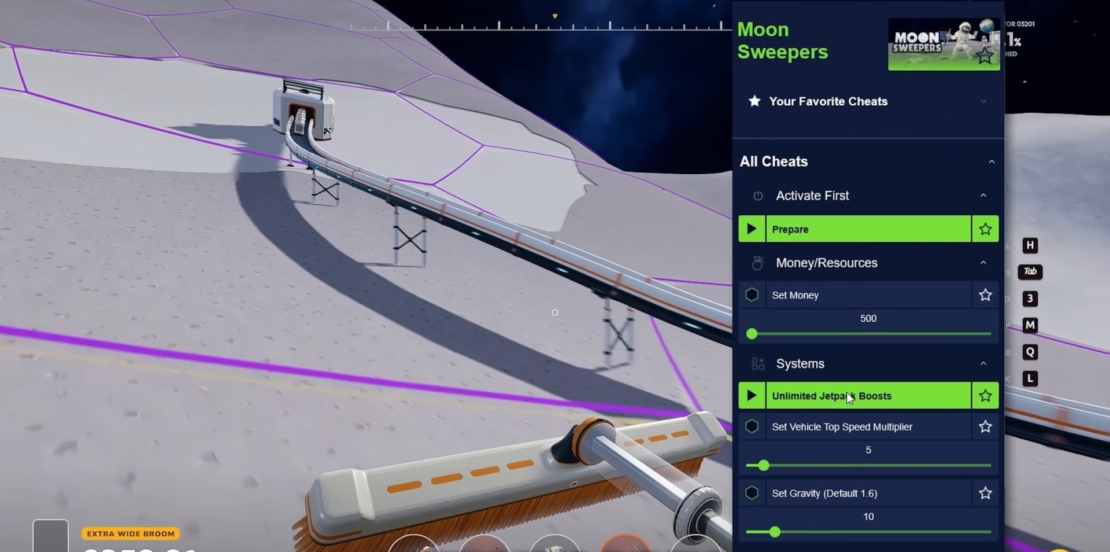
With Unlimited Jetpack Boosts, you can activate your jetpack as often as you like while airborne. Reach hard-to-access spots, cross rough terrain, and move across the lunar surface with much greater freedom.
Move Faster and Return to the Depot Instantly
Long journeys in Moon Swepers can slow your progress and leave you spending more time moving than collecting resources or completing objectives. Vehicle handling also feels different in low gravity, which can make getting around less predictable than you’d like.
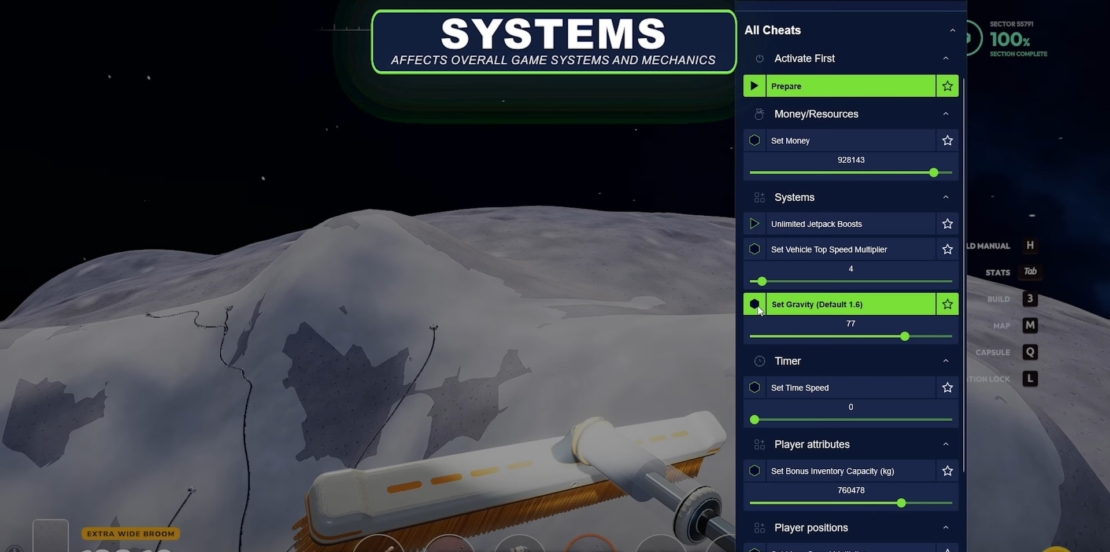
Set Move Speed Multiplier lets you adjust your movement speed to cover more ground in less time, while Teleport to Depot takes you straight back to your base whenever you need to regroup, manage your resources, or prepare for your next expedition.
Set Vehicle Top Speed Multiplier increases or decreases your vehicle’s top speed, helping you cover long distances much faster. With Set Gravity (Default 1.6), you can also adjust the gravity setting to customize how objects and vehicles behave. Experiment with different values to find a movement style that suits you and make every trip across the lunar surface more enjoyable.
Carry More Resources on Every Expedition
Collecting resources is a major part of making progress in Moon Sweepers. Still, limited inventory capacity can force you to cut an expedition short and return to the depot before you’ve gathered everything you need. Set Bonus Inventory Capacity (kg) increases your carrying capacity, giving you more room for valuable materials and supplies.
Collect More Resources with Every Tool Use
Cleaning the lunar surface in Moon Sweepers can take quite a bit of work, especially when you’re dealing with large, dust-covered areas. Repeatedly using your tools to clear enough material can make resource collection feel slow and repetitive, particularly when you’re trying to complete objectives efficiently.
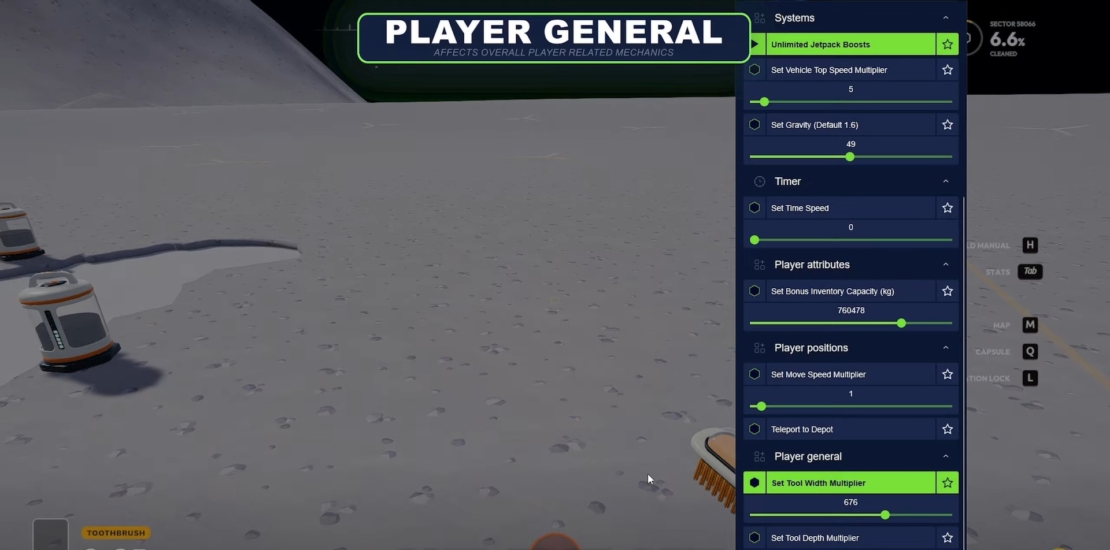
Set Tool Width Multiplier and Set Tool Depth Multiplier let you increase the area your tools cover with each use. A wider tool clears more of the surface at once, while greater depth lets you remove more material in a single pass. This means fewer repetitive actions, faster cleanup, and more efficient progress through your contracts.
Adjust the Time and Get More Done
Some tasks in Moon Sweepers can take time, and waiting for the in-game clock to advance can slow your progress. Whether you’re working through contracts, collecting resources, or simply want to spend less time waiting, being able to control the passage of time can make your sessions more efficient.
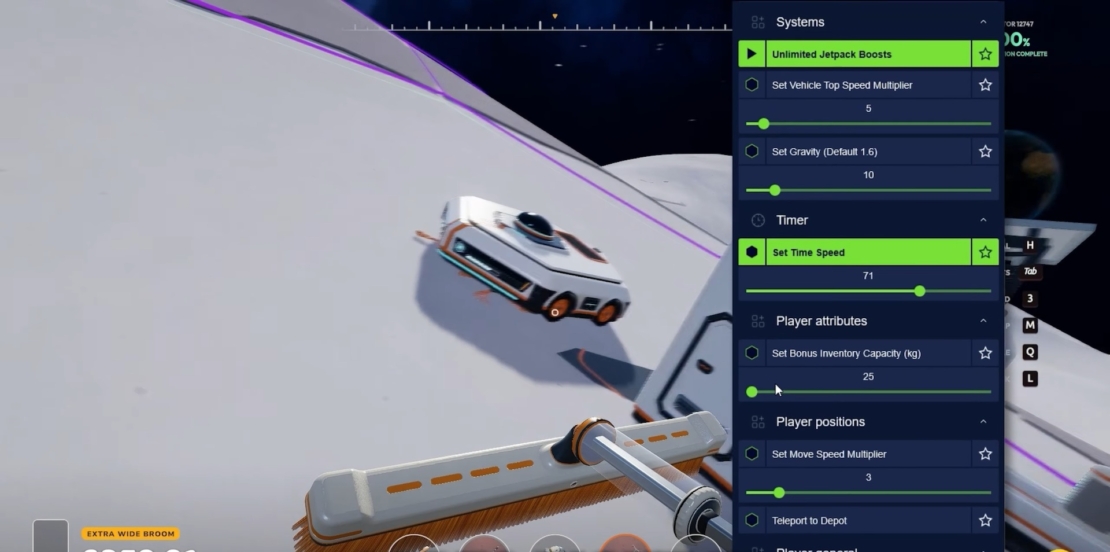
Set Time Speed lets you adjust how quickly time passes in the game. Increase the value to speed things up and get through waiting periods faster, or lower it if you’d prefer a slower pace. You decide how quickly your lunar workday moves along, without being locked into the default speed.
All Moon Sweepers Mods & Cheats from PLITCH
Take control of your lunar cleanup missions with Moon Sweepers mods and cheats from PLITCH! Adjust your movement and vehicle speed, increase your inventory capacity, customize your tools, and make every expedition more efficient. Here’s a list of all currently available options:
Money/Resources
- Set Money
Timer
- Set Time Speed
Player Attributes
- Set Bonus Inventory Capacity (kg)
Player General
- Set Tool Width Multiplier
- Set Tool Depth Multiplier
Player Positions
- Set Move Speed Multiplier
- Teleport to Depot
Systems
- Set Vehicle Top Speed Multiplier
- Set Gravity (Default 1.6)
- Unlimited Jetpack Boosts
FAQ: Moon Sweepers Mods & Cheats with PLITCH
PLITCH is a PC game trainer that lets you customize single-player games with cheats and mods. You can adjust game mechanics, change difficulty, or speed up repetitive tasks. It currently supports more than 5,900 games and over 82,000 cheats.
Yes. PLITCH is developed in Germany, GDPR-compliant, and Sectigo-certified. Its cheats temporarily modify values in your PC’s memory while the game is running, rather than permanently changing core game files. PLITCH is designed for single-player games and doesn’t support multiplayer cheating.
Yes, two Moon Sweepers cheats are included with the free membership, along with features such as the Cheat Slider, Favorites, Windows Game Bar overlay, and a mobile companion app. A Premium membership unlocks the full cheat library as well as other features.
The Set Bonus Inventory Capacity (kg) cheat lets you increase your carrying capacity, allowing you to collect more materials before heading back to the depot. This makes longer expeditions easier and reduces the number of trips you need to make.
Definitely. Set Tool Width Multiplier and Set Tool Depth Multiplier let you adjust how much surface your tools cover with each use. Increase these values to clear larger areas and remove more material at once, reducing repetitive cleanup tasks.
Yes! Teleport to Depot takes you straight back to your base without having to drive or walk all the way there. You can also use Set Move Speed Multiplier to adjust your movement speed while exploring the moon.
You can customize both vehicle speed and gravity. Set Vehicle Top Speed Multiplier lets you increase or decrease your vehicle’s maximum speed, while Set Gravity (Default 1.6) lets you adjust gravity for more control over movement on the lunar surface.
Yes. Set Time Speed lets you adjust how quickly time passes in the game. Increase the value to speed up your in-game clock, or lower it if you prefer a slower pace.
Read more about PLITCH:



 English
 Deutsch