StarRupture drops you on a hostile planet and expects you to figure things out fast. Ruptures, heat, bugs, and broken production lines can end a run quickly. Our StarRupture tips and tricks help you survive early mistakes, progress faster, and enjoy your time on Arcadia 7.
Table of Contents
The Rupture Cycles
The Rupture is the core mechanic of StarRupture and something you must always respect. Every few cycles, Arcadia 7 gets wiped. Flora disappears, and resource nodes reshuffle. The world basically hits a reset button.
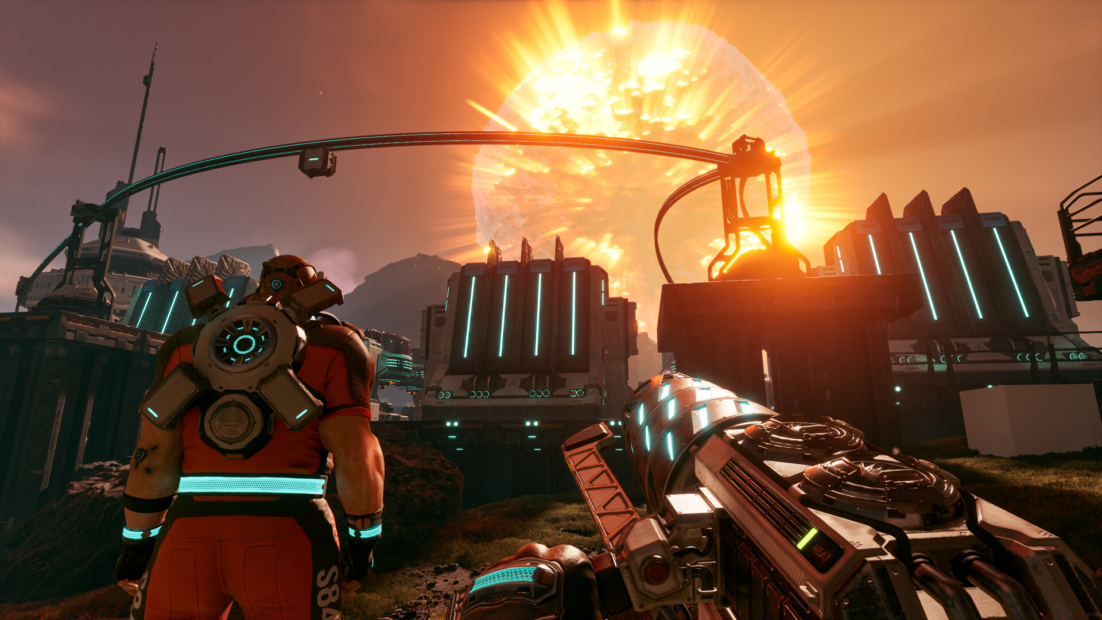
What sounds brutal is actually your biggest opportunity. Right after a Rupture, the map is clean. Overgrown ruins suddenly become visible. Hidden structures are easy to reach. Enemies are gone or weakened. This is the perfect moment to explore and loot without stress.
What you should do after a Rupture:
- Search ruins and special structures immediately
- Look for rare resources and meteorites
- Farm materials before regrowth starts
Before a Rupture hits, the Hud warns you. Take it seriously. If you’re outside a base or refuge, you’re dead. So, stop exploring early and run home.
StarRupture Tips: Character Selection
When you start StarRupture, you must choose one of four characters. At first glance, it seems like an important decision. It really isn’t.
In the current Early Access version, your character doesn’t change stats, skills, or progression. Everyone can craft, fight, build, and explore equally well. What your choice actually affects is personality, voice lines, and immersion.
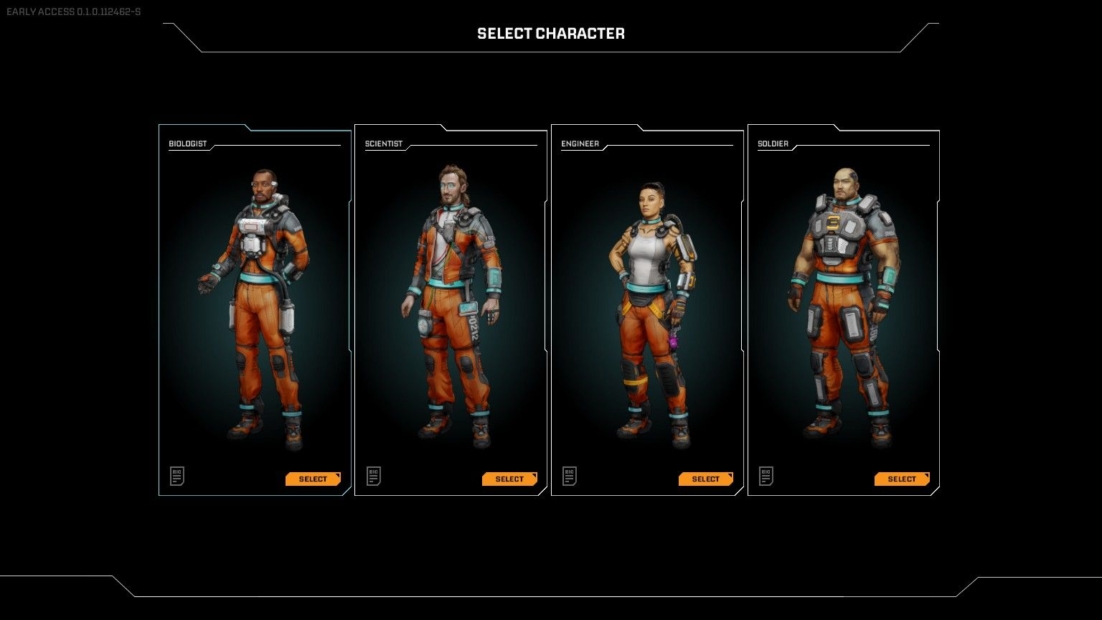
Each character in StarRupture represents a classic coop role:
- Scientist for tech and research vibes
- Soldier for combat-focused players
- Medic for healing and team support
- Engineer for builders and base lovers
These roles exist primarily to structure coop gameplay. In a full squad, they help everyone find their place without hard restrictions. When playing solo, you’ll still do everything yourself anyway.
Here’s the simple rule: pick the character you like most, both visually and personality-wise. The voiceovers are fun and sometimes hilarious, so enjoyment matters more than optimization.
You can change your character anytime by using the Regeneration Chamber on your ship or by building one with 100 Basic Building Materials. These chambers also serve as respawn points. Just remember, only one can be active at a time.
Exploration Tips
When you first land on Arcadia 7, things feel calm. Use that time wisely. The Orbital Cargo Launchers take a while to send enough metal bars into space. Don’t just wait around.
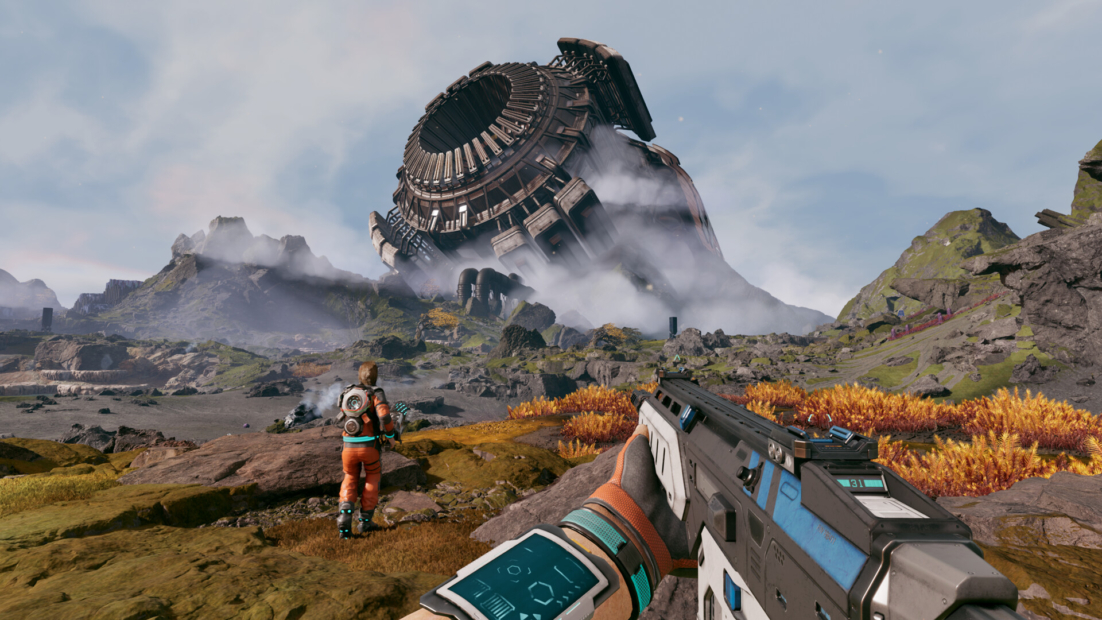
Start by stocking up on food nearby:
- Polifruit restores Calories
- Hydrobulb restores Hydration
Grab everything you see in StarRupture. Plants respawn after every Rupture or Wave, so looting early always pays off. You’ll also need plenty later to unlock better cooking recipes. Once your basic needs are met, focus on early equipment upgrades. Your short-term goal is to unlock tools like the Medtool for healing and Grenades for crowd control. These make exploration much safer.
When you feel ready, head north and northwest from your landing zone. The Abandoned Bases there are beginner-friendly and great for learning combat and looting. One important note: there is no map at the start. To unlock it, level Moon Energy Corporation to level three by completing orders. After that, press M to open the full-screen map and explore freely.
Be Aware of Overheating
Overheating is one of the most common early-game mistakes in StarRupture, and it often strikes when you least expect it. Your machines generate heat constantly. If that heat isn’t managed, production lines will suddenly stop. No error message. No warning. Just silence. The fix is simple but easy to ignore: Cooling Towers.
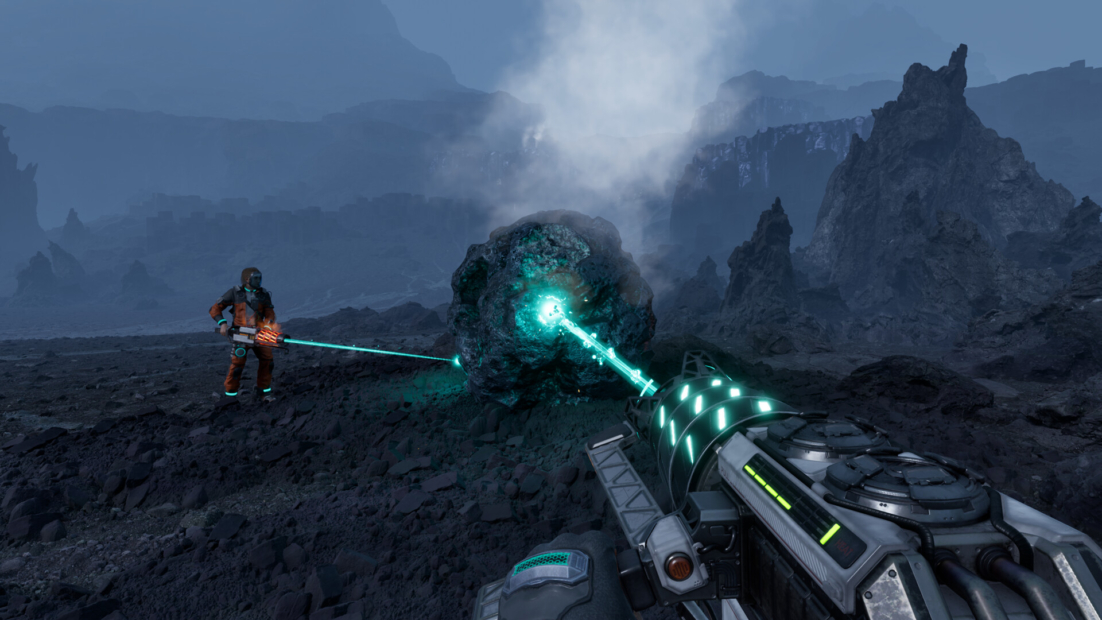
Build them early and invest Meteorite Cores to boost their efficiency. This keeps your base running even during solar storms. You can either place several towers across your base or fully upgrade a single one. Both options work. Choose what fits your layout.
Overheating also affects your mining tool. Watch the heat bar closely.
- Press reload before it maxes out
- Avoid triggering long cooldown penalties
Combat Guide
Combat in StarRupture is unavoidable. Arcadia 7 is full of alien bugs, and they keep coming back. The southwest of the map is fairly safe, but enemies grow tougher and more aggressive the farther north or east you go. Early on, you should stay close to your base. The mining tool can damage enemies, but it is only reliable against small groups. Once fights get messy, you need a real weapon.
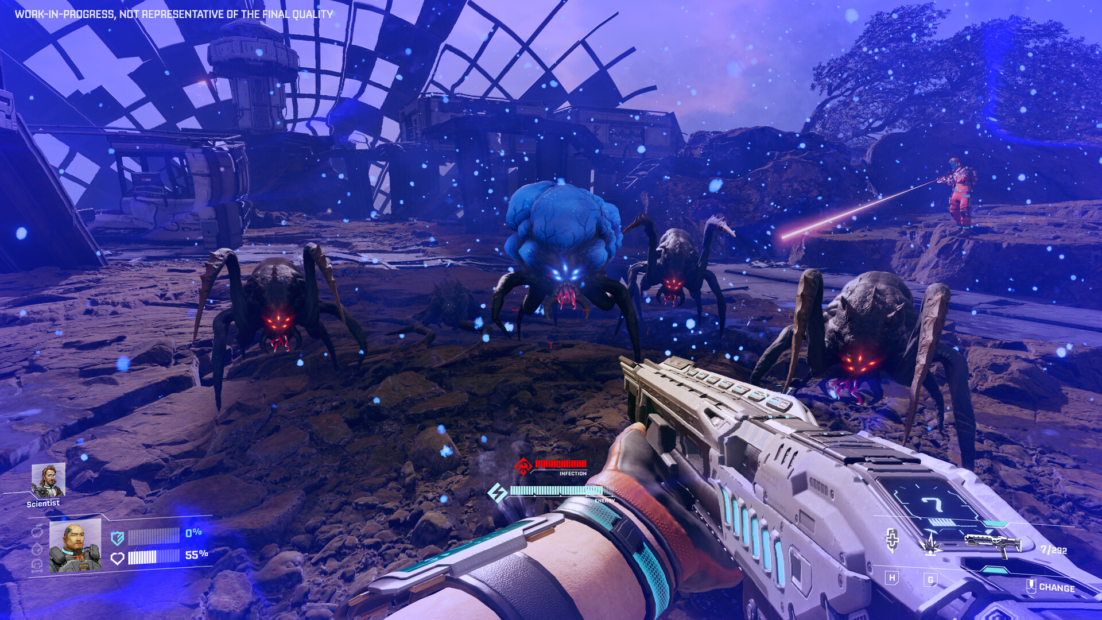
Your first major combat milestone is unlocking the UPP 7 Pistol. You unlock it by reaching level two with Griffits Blue Corporation. This single upgrade makes exploration much safer and lets you clear Abandoned Bases without panic.
Inside those bases, loot dead bodies for War Bonds. These unlock stronger weapons later, including assault rifles, shotguns, and machine guns. Enemies respawn after each planetary regeneration. Outposts are the exception. Once cleared, they remain safe.
Before long runs, always craft enough ammo. Focus on enemy weak spots to save supplies and survive longer.
Make StarRupture More Flexible with PLITCH!
StarRupture can be intense, especially in the early hours. That is where PLITCH comes in. With our StarRupture cheats, you can customize the difficulty and play the game your way without spoiling the fun.
Struggling with survival mechanics? Disable hydration, calories, heat, radiation, or toxicity to focus fully on exploration and base building. Long travel times feel annoying? Increase your walk speed or jump height to move across Arcadia 7 faster.
PLITCH also helps when combat or grinding slows you down. Refill health, energy, shields, or oxygen at any time, or activate unlimited values to survive even the toughest Ruptures. If gathering resources feels repetitive, fast mining and unlimited building materials save you hours of busywork.
Check out this blog to learn more about PLITCH and watch our StarRupture Trainer Showcase on YouTube to see our cheats in action!
Happy Gaming!
Check out our other StarRupture guides:
 English
  Deutsch